




Qoyod
Pricing

 Knowledge Base

Why Processing Status Appears When Adding a New Entity in Qoyod and How to Handle It

Explanation of why the ‘Processing’ status appears when adding a new facility and how to handle it

Answer:

  • When adding a new facility, it will display ‘Processing‘.
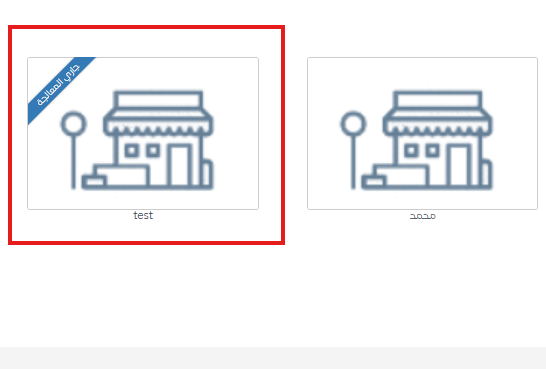
    648e7ef3f6cb351f Why Processing Status Appears When Adding a New Entity in Qoyod and How to Handle It | Qoyod

  • You must wait a few minutes for the setup to complete.
  • After that, refresh the page and try again.

Additional Notes:

  • In most cases, processing takes less than 5 minutes.
  • Ensure stable internet connection when refreshing.
Help Center

Can't find what you're looking for?

Don’t worry — we have more ways to help.

Live webinars hosted by the Qoyod team to help you master the software with ease.

Discover Qoyod’s latest releases, continuous improvements, and new features.

Our team is ready to help you with instant support for any issue you face.

