




An explanation of the Session Management feature and how to use it to track user performance and manage shifts.
Steps to follow:
Customer Response:
- The Session feature in the POS system allows users to set a time period for conducting transactions and is available for the Android POS application but not available for use via browser or web.
- It is used to track data such as:
- Total Sales
- Cash Movements
- Daily Activities
Session Management includes:
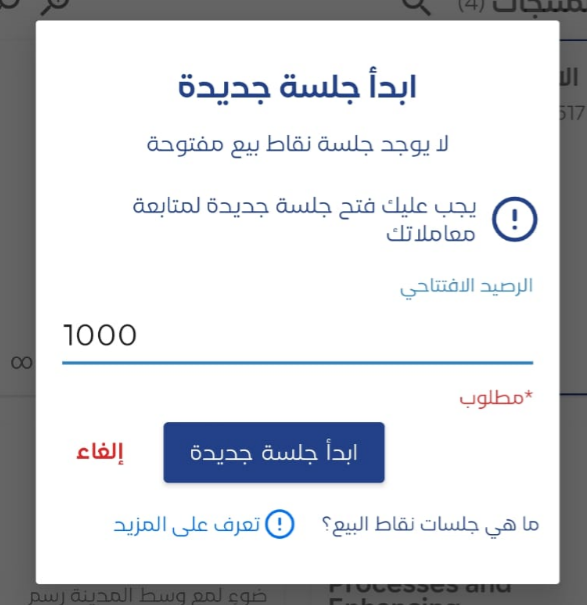
- Opening the session for the user before starting work, which requires entering the opening balance of the cash drawer where the session started.
- Recording all financial transactions and activities during the session.
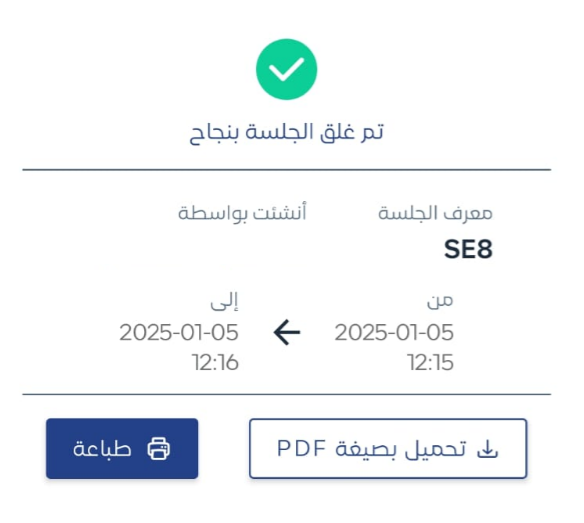
- Closing the session when work is finished.
- Generating the end-of-session report.

The end-of-session report contains:
- Total Sales
- Cash Movements (Inflow and Outflow)
- Payment Methods Used

Additional Notes:
- This feature allows precise tracking of daily transactions.
- It helps manage shifts, avoid errors, and ensure accountability.
- Attached instructional content can be sent to customers Session Management for POS.



