




You can create and edit manual journal entries from the mobile app using the following steps:
- Open the mobile app and go to the Main Menu.
- Select Manual Journal Entries.
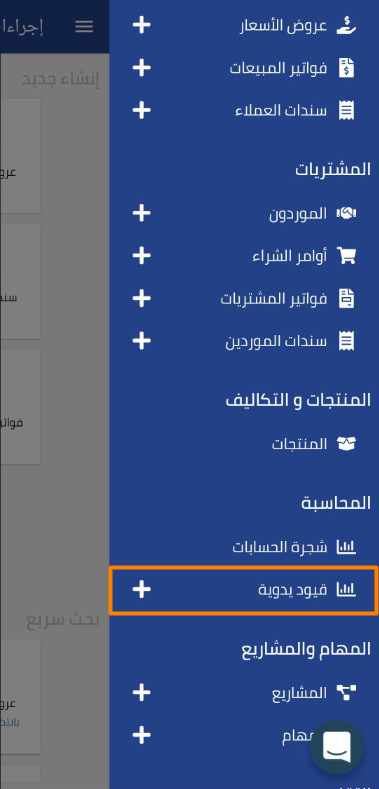
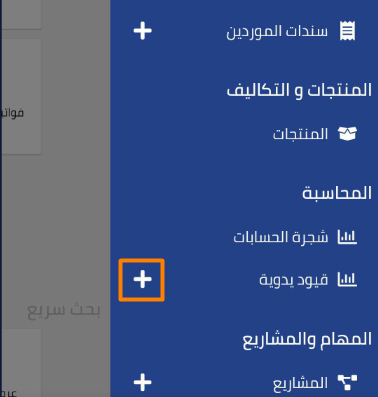
- You can create a new manual journal entry by tapping the “+” icon.

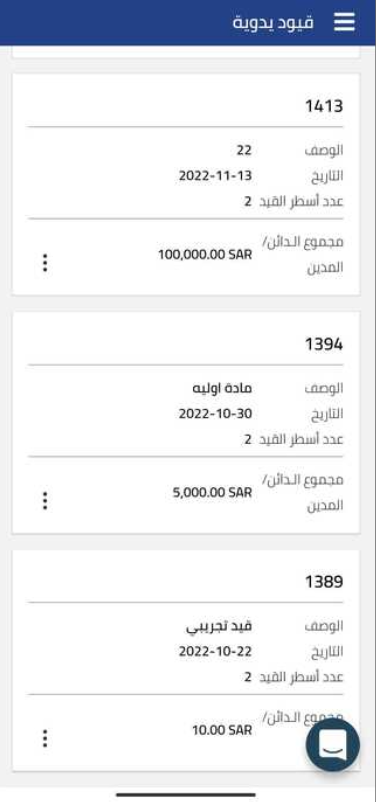
- A page will display showing all previously created manual journal entries.

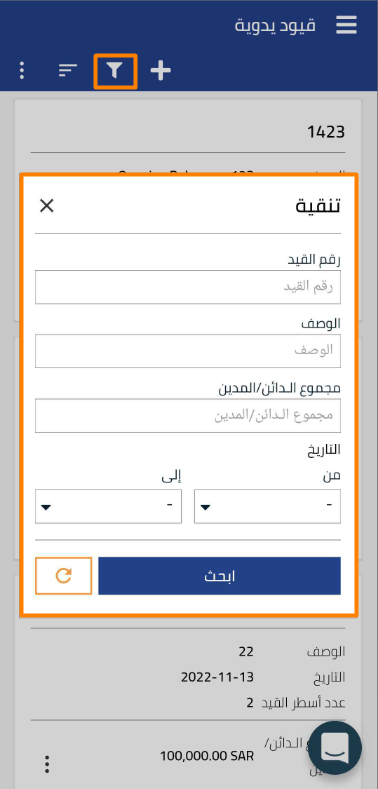
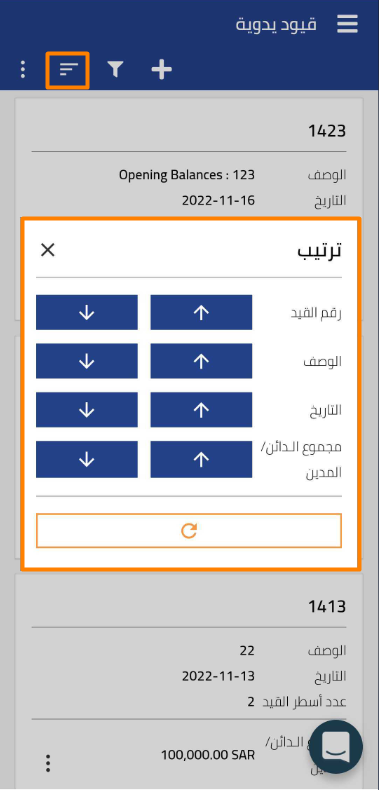
- You can perform several operations from the toolbar at the top of the page

such as:
- Create a new manual journal entry

- Search or filter journal entries by the required data

- Sort journal entries by the required criteria

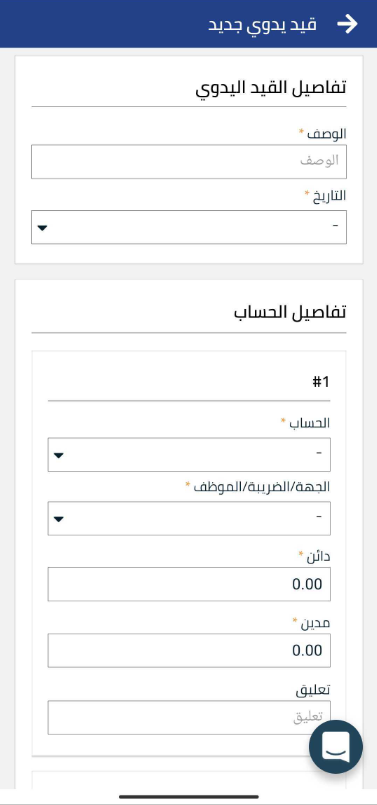
- Create a new manual journal entry

Additional Notes:
- Ensure that manual journal entries created in the app are updated directly in the system.
- You can edit manual journal entries from the same page by tapping the selected entry and editing it as needed.



