




Users can download the invoice directly to their devices from the POS application, in addition to the print option.
Steps:
-
Open the POS application.
-
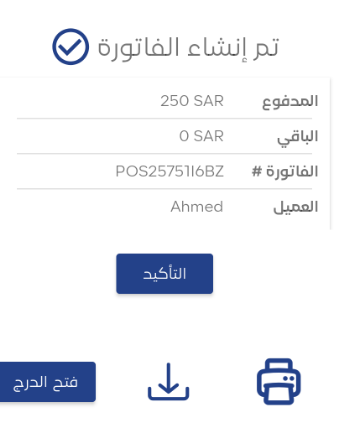
Create the invoice.
-
Click on the ‘Download Invoice’ icon next to the print button.
-
Save the invoice to the device for later use.
Important Notes:
-
The application supports downloading the invoice in PDF format.
-
You can review the invoice after downloading it from the device’s file manager.



