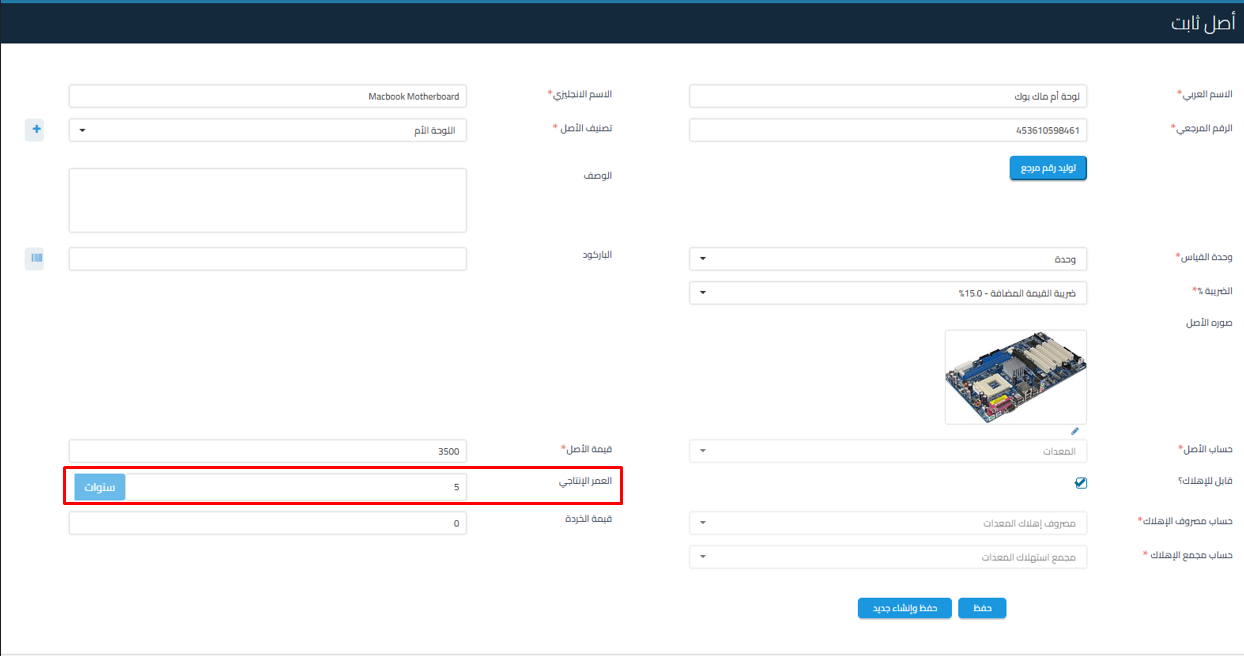
Guidelines for modifying the useful life of an asset in Qoyod software.
Answer:
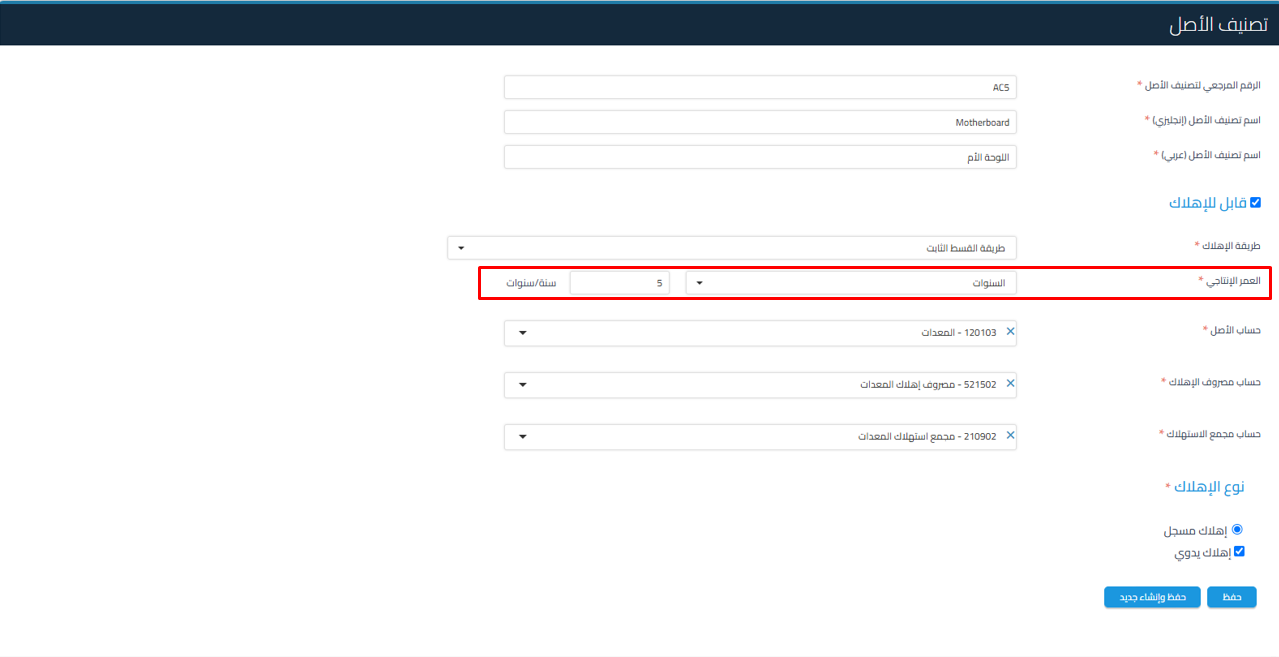
- Users can modify the useful life of a fixed asset instead of adhering to the default useful life defined in asset classifications.
- When creating an asset, the useful life is automatically determined based on the classification, but it can be modified manually.
- A fixed asset can be modified provided it is not linked to other recorded assets.
That is, when you go to fixed assets and click on the asset, a message appears stating “No assets are recorded.” In this case, you can make modifications.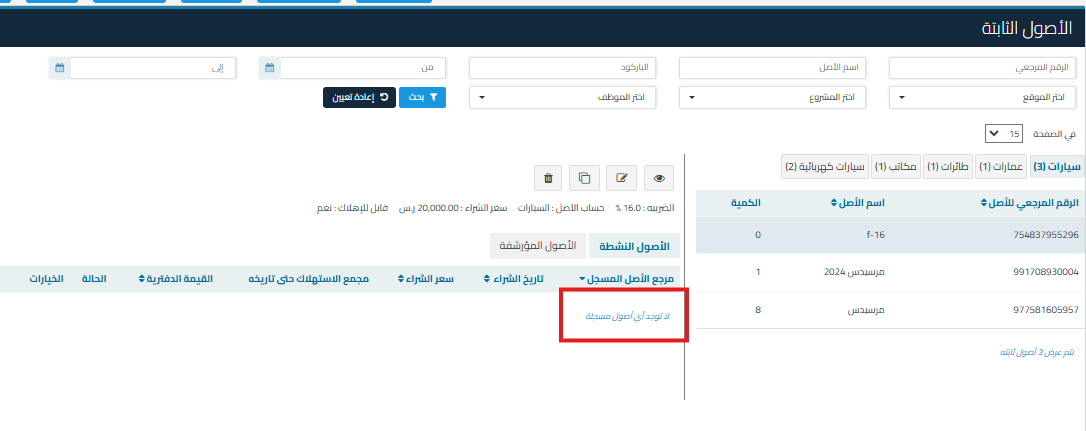
- Within the same asset classification, you can define multiple useful lives, such as:
- The “Vehicles” classification may contain assets with useful lives of 5, 8, or 10 years.

- The “Vehicles” classification may contain assets with useful lives of 5, 8, or 10 years.