Jadeia is a company that provides integrated electronic payment solutions.
The old method before integration:
Customers have two devices:
- A Mada device provided by Jadeia (for card payment).
- A Sunmi device (for creating invoices to reflect in the Qoyod system).
The new integration method:
- A single device used for POS connected to both Jadeia and Qoyod.
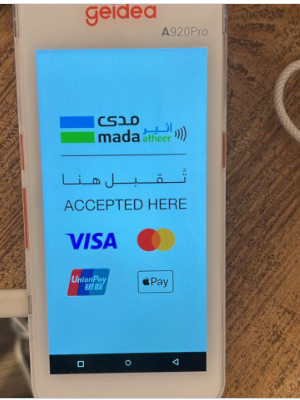
- The only supported device: A920Pro device.
- Note: The PAX A-920 device is no longer supported by Jadeia.
Integration Steps:
- Add a POS user.
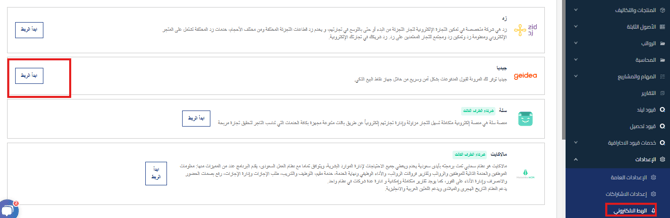
- Go to Settings > Electronic Integration > Supported Integration Services > Click “Start Integration” next to Jadeia.

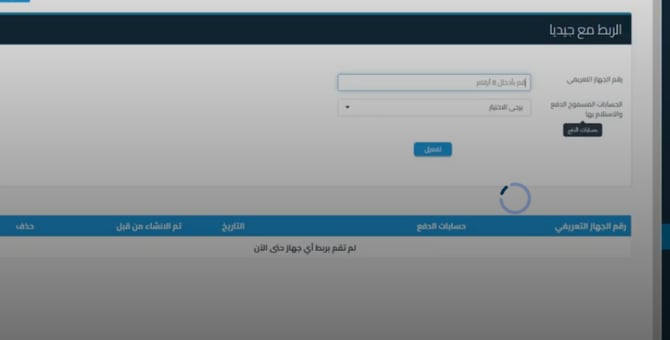
- The device identification number and linked bank accounts appear, and all previously linked devices will also be displayed.
- Select one bank account for each device.

- Select one bank account for each device.
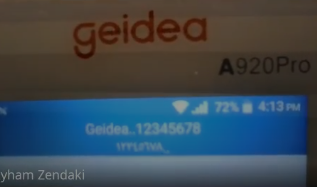
- Extract the device identification number:
- Click on the Mada application on the Jadeia device.
- The device identification number appears at the top of the screen.
- In the attached image example, the identification number is: 12345678

- Select the required options and click “Activate”.
- To delete the integration: Click “Delete” next to the device name.
Practical example of payment using a Jadeia device:
- When a customer purchases a product:
- Select the product and enter the number of units.
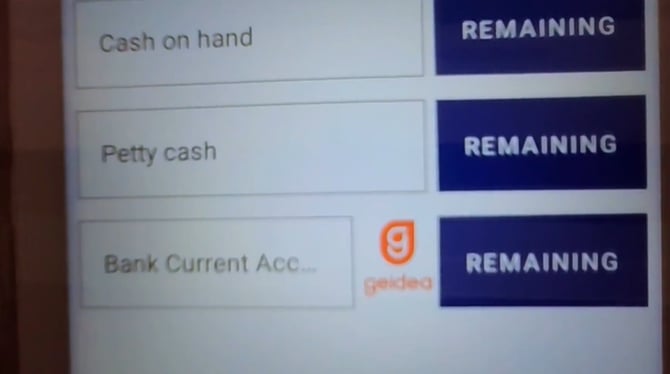
- Click “Pay” and choose the payment method (Cash, Bank) and the new account will appear with the word Jadeia next to it.

- When selecting Jadeia and adding any amount, whether the full amount or part of it
- The Jadeia application will open automatically to complete the transaction.
- The amount will be entered automatically.
- Payment is made using the customer’s card
.

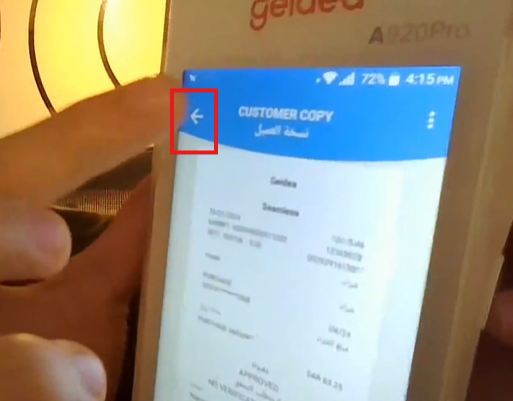
- Click “Approved” and the receipt will be issued from Jadeia.
-
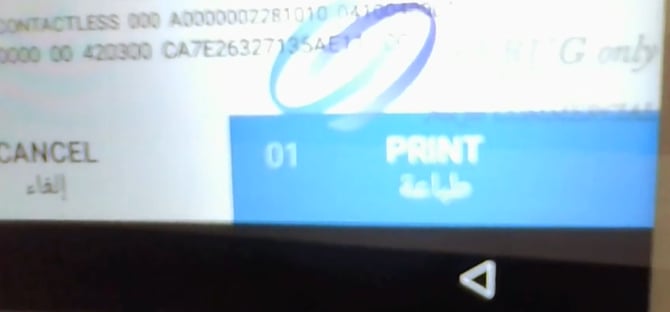
Now two options appear below:
- Print: If the employee wants to print a receipt.
- Cancel

- Or the Back button: Takes us back to the Qoyod system, where the invoice creation and printing process takes place.

Additional Notes:
- Two invoices are issued: a Jadeia invoice and a Qoyod invoice.
- Regarding the device and integration cost, these are handled by the customer with Jadeia.
Frequently Asked Questions:
-
Can more than one bank account be linked to the user?
- No, only one bank account can be linked per device.
- Does the device have a barcode reader?
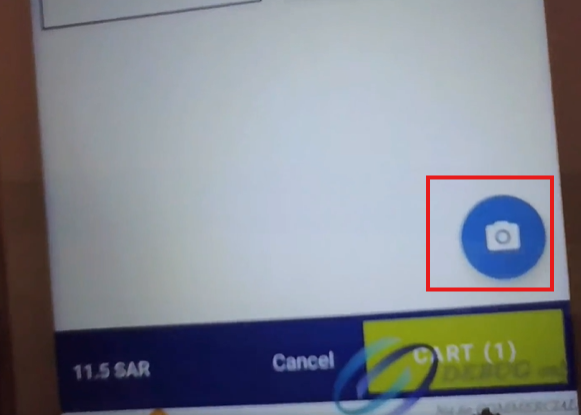
Yes, there is a built-in barcode reader and barcodes can be scanned.Here are illustrative images of the barcode reader

You can click on the image icon in the application on the main interface to start scanning the barcode

-
What should I do if the bank account doesn’t appear during setup?
You should check the user’s permissions on the site:
- Go to Settings.
- Navigate to Users.
- Click Edit next to the desired user.
-
Do I need an additional POS device?
- No, the Jadeia device is sufficient and Qoyod can be used on it; no additional POS device is needed.
-
Can the same bank account be used by different employees if there is a morning and evening shift?
- Yes, payment permissions can be set for users on the same bank account
-
Do I need to manually open the Mada application when clicking pay via Jadeia account?
- No, the application opens automatically.
-
Can payment be made using other electronic payment methods?
- Currently, integration is only with Jadeia Mada.
-
What is the supported device?
- A920Pro device
The device must have:
- Jadeia logo.
- And the service provider should be: Jadeia.
- Not just the device, but the service provider must also be Jadeia.
- A920Pro device
-
Do old invoices appear on the application?
- Only invoices from the last 5 days appear.
-
How is synchronization done – in real-time or at the end of the day at 12 midnight?
- Synchronization happens in real-time, and you can view previous transactions in the Jadeia application by navigating to Merchant Operations and then Previous Transactions to see all previous payment transactions.
-
What should I do if there’s an application issue – contact Jadeia or Qoyod?
- Support is provided through Jadeia. If needed, Jadeia contacts Qoyod through a dedicated channel.
-
What is the benefit of integrating Qoyod and Jadeia?
- It’s a feature that only we offer at the SME level, and we saved the customer money – instead of buying two devices, they buy just one.