




Instructions explaining how to search for old invoices in Qoyod’s POS application.
Qoyod’s POS application displays only invoices that were created during the last 7 days.
Now you can search for any invoice in the system by the customer’s phone number or the invoice reference number from the invoices section.
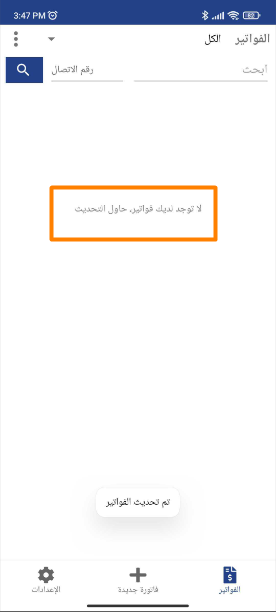
As shown in the following image, there are no invoices created during the previous period.
 View full size
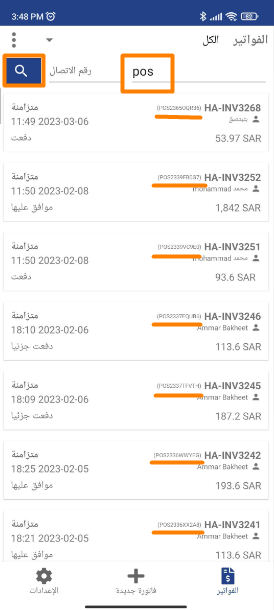
By searching using the POS invoice reference number or the customer’s contact number, you can access any old invoices.
 View full size
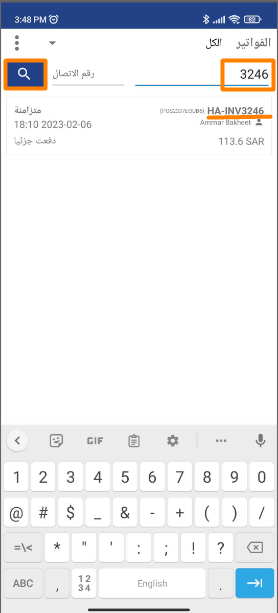
Or access any old invoices by searching using the invoice reference number.
 View full size
Additional Notes:
- If you do not find the invoice within the last 7 days, you can search for it using the reference number or phone number.



