




Clarification on how to enable or disable the deferred payment option for POS application users. Any user with permission to manage facility settings can access Settings > Users > Edit User, and from the edit user page you can enable or disable the deferred payment option for any POS user.
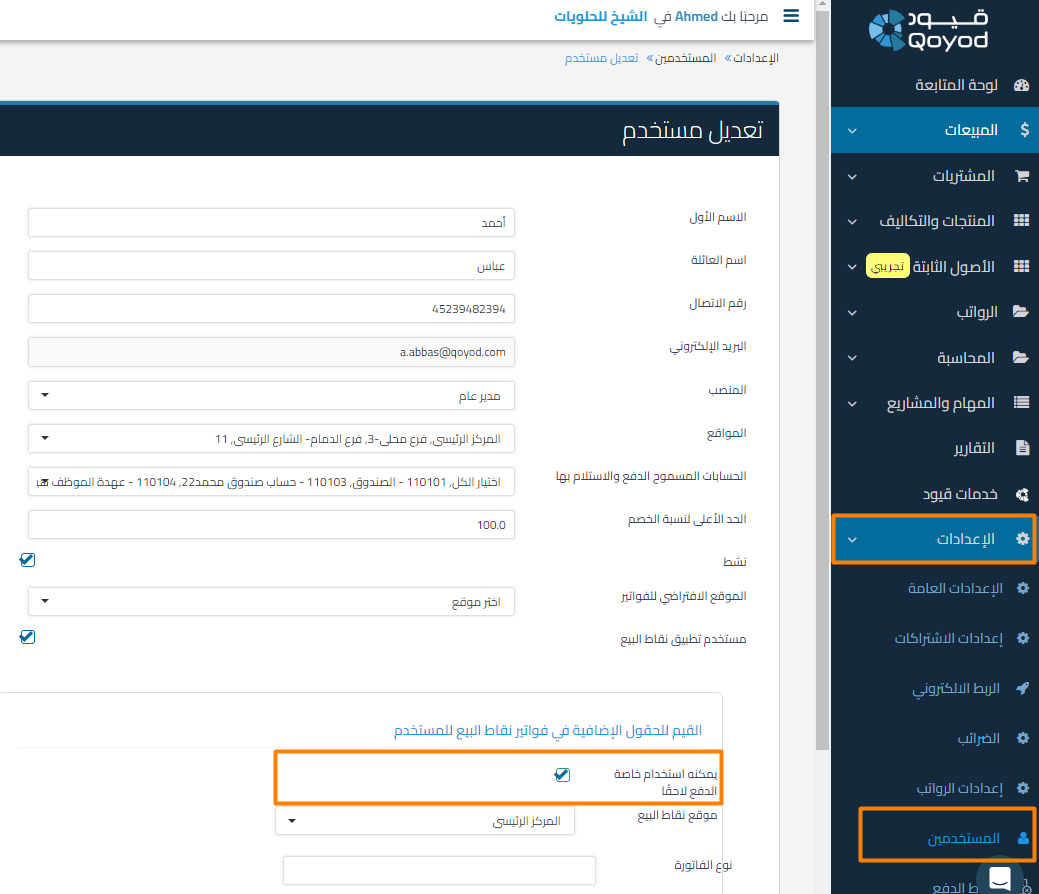 View full size
Based on the setting choice, the Deferred Payment option appears or disappears for the user in the POS application.
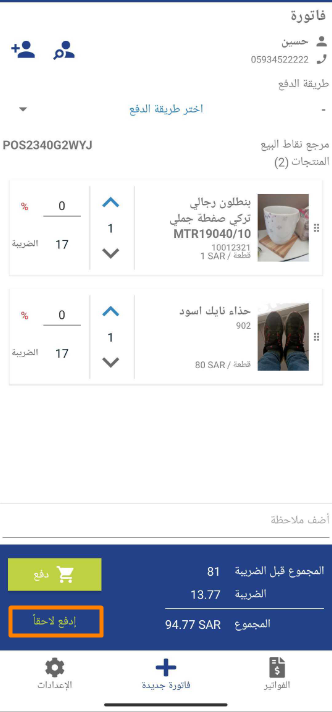 View full size
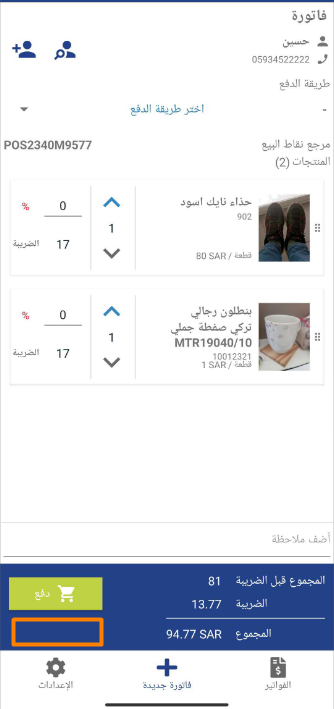 View full size
Additional Notes:
- You must have the necessary permissions to make these changes.
- Make sure the changes have been saved so the update is reflected in the application.



