




Guidelines on how to enable the product barcode duplication prevention option to ensure it is not used in more than one product.
Answer:
Yes, you can enable the product barcode duplication prevention option so that the same barcode is not used for more than one product, and this is done through the following steps:
- Go to Settings.
- Select General Settings.
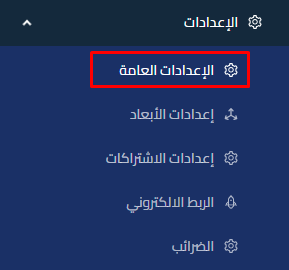
- Go to the Product Settings tab.
- Enable the product barcode duplication prevention option.


Additional Notes:
- When you enable this option, the system will prevent entering the same barcode for more than one product, which helps reduce errors and improve inventory accuracy.
- These settings will only apply to creating future products and editing products.



