




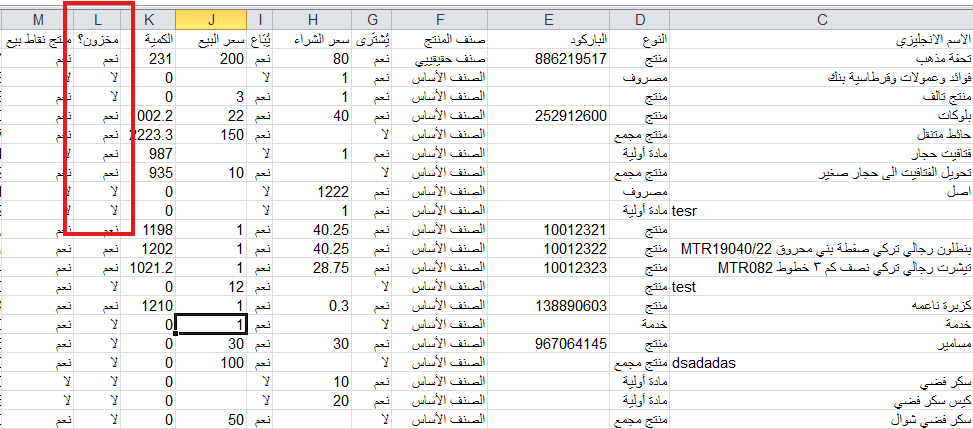
An explanation of how to generate a report showing the status of stocked and non-stocked products. You can generate a products report and filter by status as follows:
- Go to the Products and Costs menu.
- Click on Export Products in the top options.
- A report containing product data will appear.
- You can use the Filter option to choose stocked or non-stocked products, and you can also filter products by type (raw material, service, expense, product, bundle product) and view inventory and available quantity for each type.
Additional Notes:
- Ensure that the filter is correct to get the required data.
- You can export the report to Excel for further editing or analysis.



