




Here’s an explanation of how to set the default location for creating invoices for a specific user:
-
Setting the default location for the user:
- You can assign a default location for creating invoices for each user automatically.
- To do this:
- Go to “Settings“.
- Select “Users“.
- Click “Edit” next to the user.
- Select the desired default location from the list.
- Click “Save”.
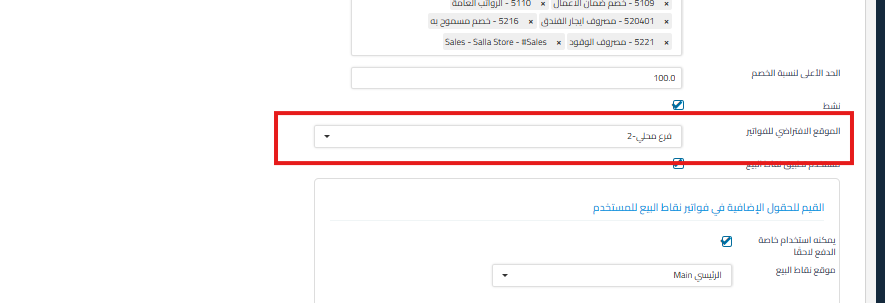
-
Creating invoices at the default location:
- When creating a new invoice, the default location is automatically selected.
- You can manually change the location when creating the invoice if needed.
Additional notes:
- This feature provides flexibility for users who work with multiple locations in the same organization.
- Make sure to grant the user access permission to the selected location so they can work on it.



