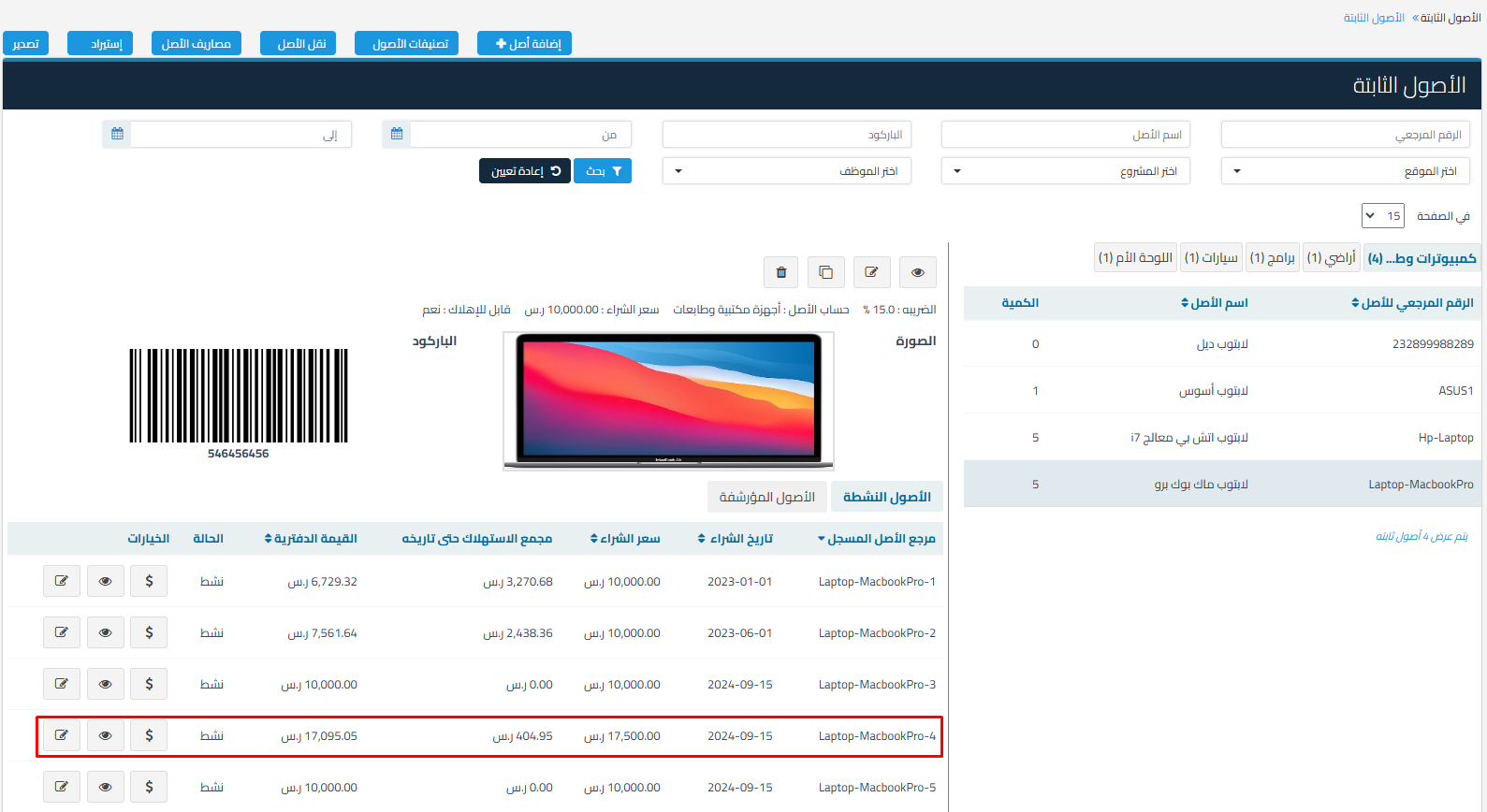
Explanation of how to merge fixed assets to add value to the base asset and merge depreciation with the possibility of increasing the useful life.
- Merging Fixed Assets: is merging assets or properties into the base asset to increase its value and merge depreciation with the possibility of increasing the useful life of the asset.
How to Merge Assets:
-
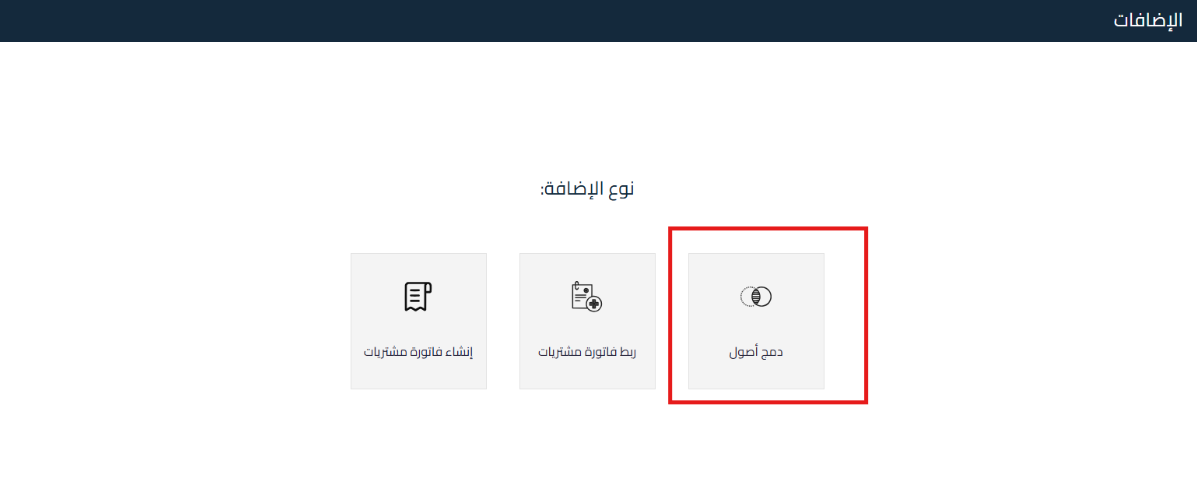
Go to the Fixed Assets section and then select Additions.

-
Click on “Add New”.
-
Select “Merge Assets”.

-
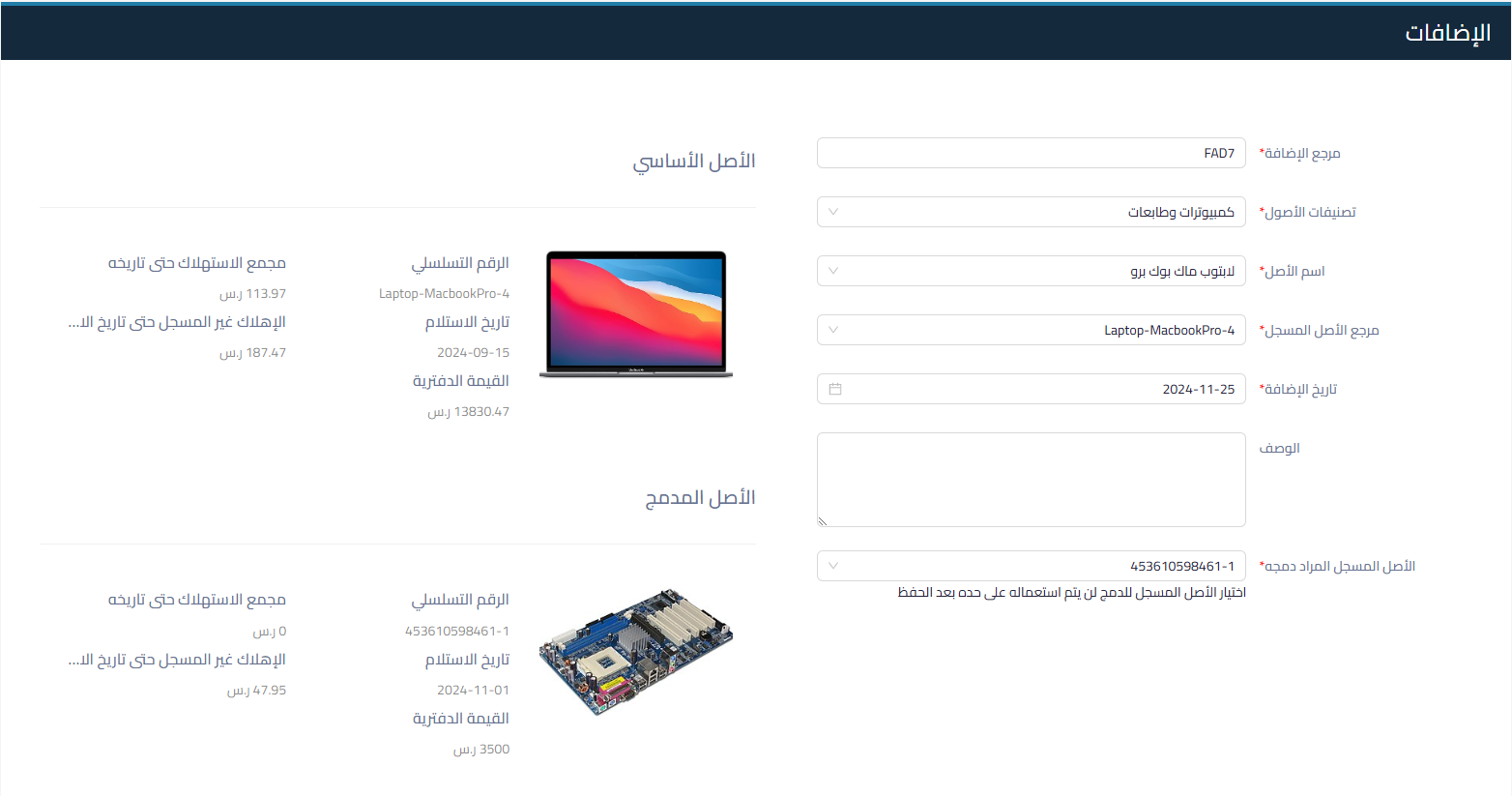
Select the Base Asset into which assets will be merged:
- Addition Reference: is filled automatically.
- Asset Classification: choose the base asset classification.
- Asset Name: choose the asset to be merged.
- Registered Asset Reference: specify the asset that will be merged.
- Addition Date: specify the date of adding the assets through the merger.
- Description: can be added optionally.
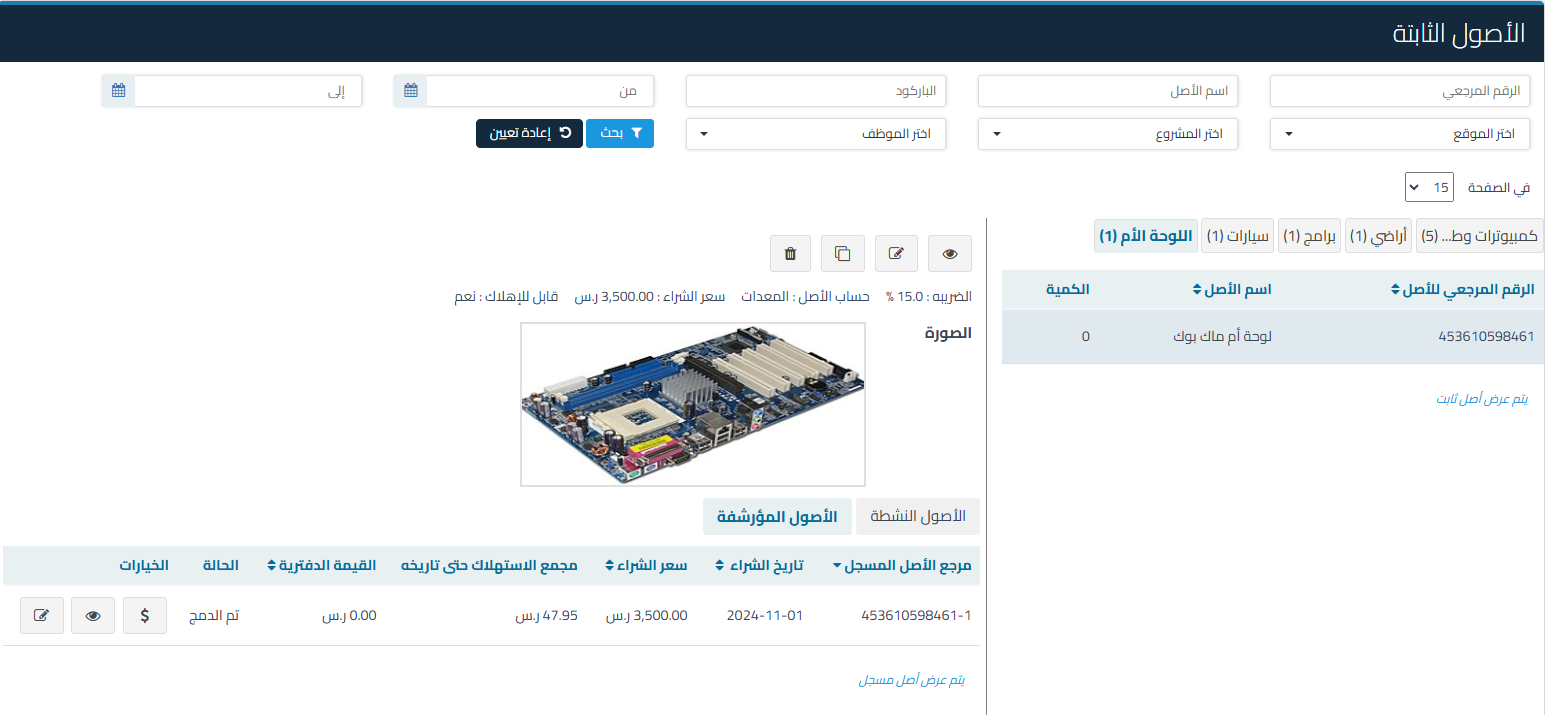
- Registered Asset to be Merged: the asset will be archived and its status will become “archived” with status “merged” and you will not be able to use it separately after that.
-
Asset Information:
- Serial Number: to display additional details about the asset.
- Receipt Date: to determine the start of depreciation calculation.
- Accumulated Depreciation to Date: shows the depreciation recorded until the addition date.
- Unrecorded Depreciation Until Addition Date: the value of unrecorded depreciation.
- Book Value: shows the book value of the fixed asset until the addition date (unrecorded depreciation value does not appear)

-
After Reviewing Assets:
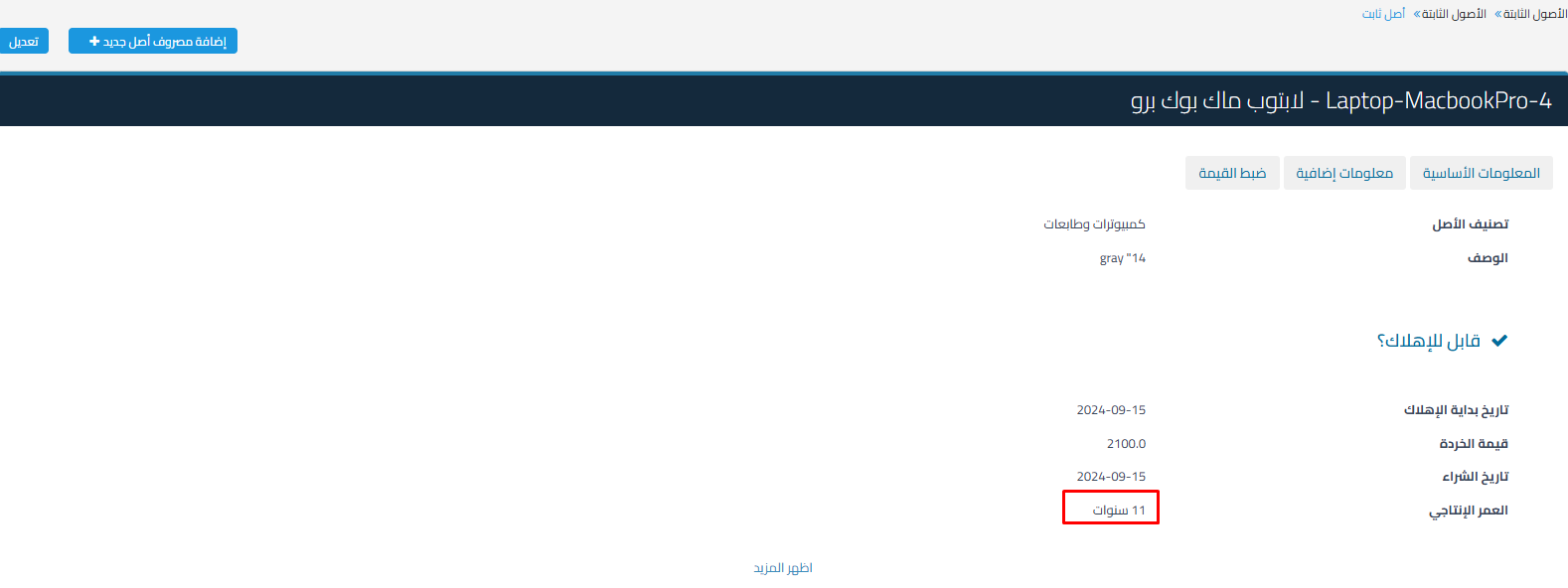
- Determine if the addition will increase the useful life of the asset; additional years can be added.

- Specify the Depreciation Account: if the asset is depreciable.
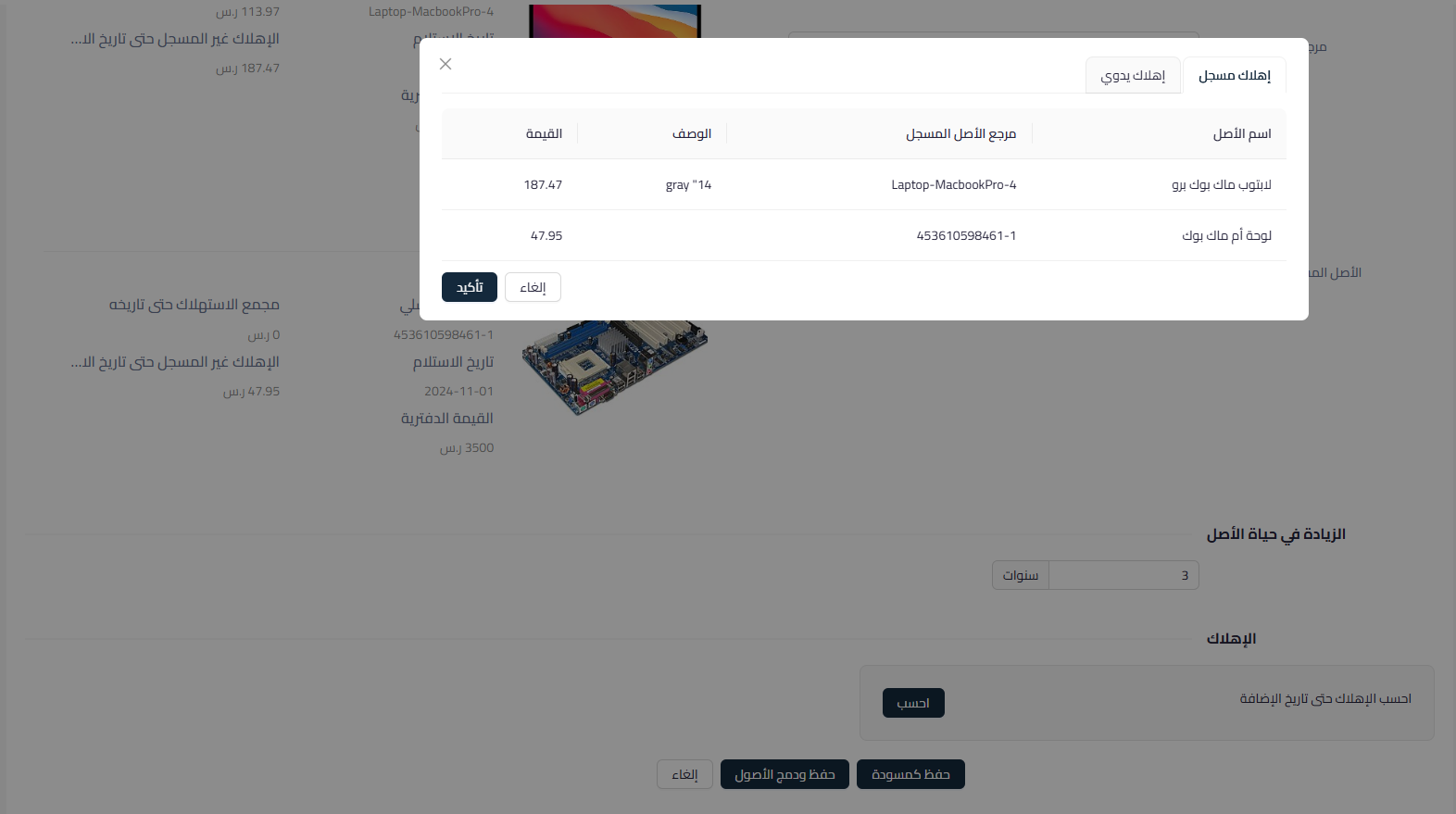
- Recorded Depreciation: unrecorded depreciation until the addition date is calculated.

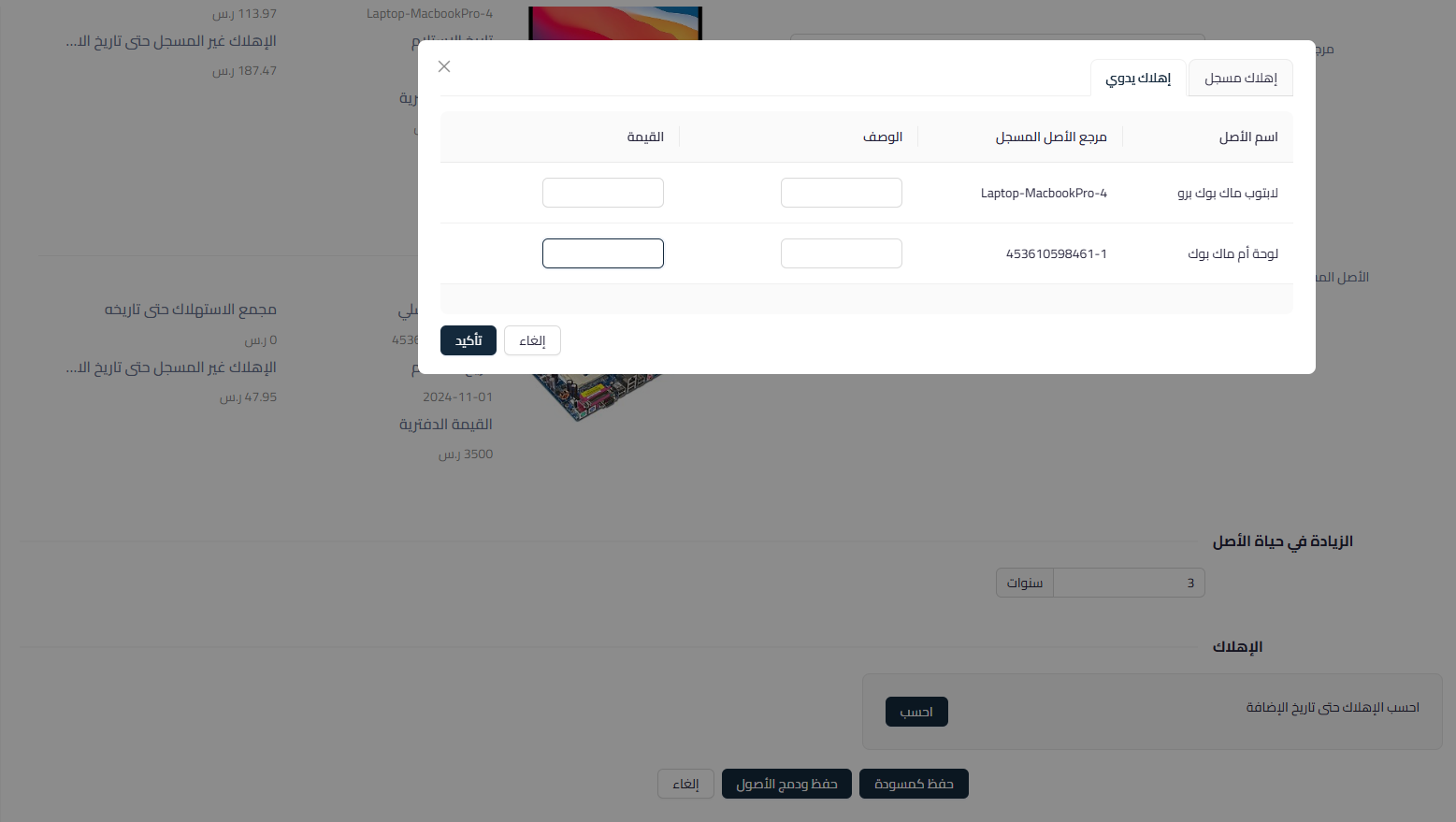
- Manual Depreciation: allows you to add a value manually.

- Recorded Depreciation: unrecorded depreciation until the addition date is calculated.
- Determine if the addition will increase the useful life of the asset; additional years can be added.
-
After reviewing the values, you can save and merge the assets or save them as a draft to complete later.

Impact of Merging Assets on the Base Asset:
- Increase in Value: the value of the base asset will increase (by the fixed asset value), depreciation, and scrap value.

- Increase in Useful Life: depreciation will be calculated on the new value and useful life of the asset.

- Merged Asset: will become archived after being merged with the base asset.