




Recurring Transactions feature refers to financial transactions that occur periodically or regularly and can be recorded automatically or manually over fixed periods such as daily or monthly. In an accounting system, recurring transactions are important because they help facilitate accounting processing and reduce errors resulting from manual data entry on a repeated basis. These transactions can include recurring customer invoices, and repeated payments such as rent, insurance, or other services.
Available Plans for This Service
The service is currently available for all plans and if changes are made, an announcement will be made
The Importance of Recurring Transactions in Accounting Systems
-
Saving Time and Effort
-
Greater Accuracy
-
Financial Planning and Report Preparation
-
Financial Compliance
How to Create a Recurring Transaction:
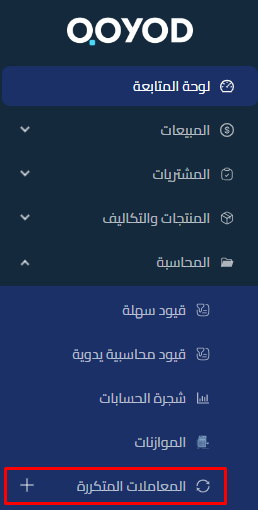
1- Through Accounting – Recurring Transactions
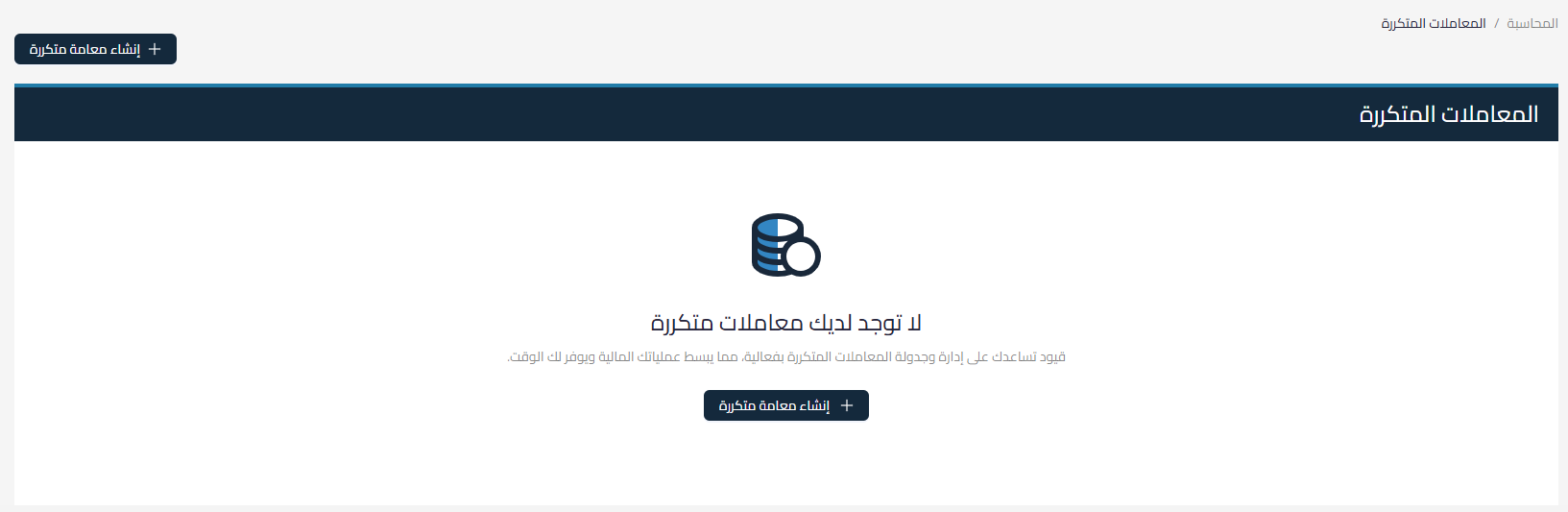
2- Click on “Create a Recurring Transaction”
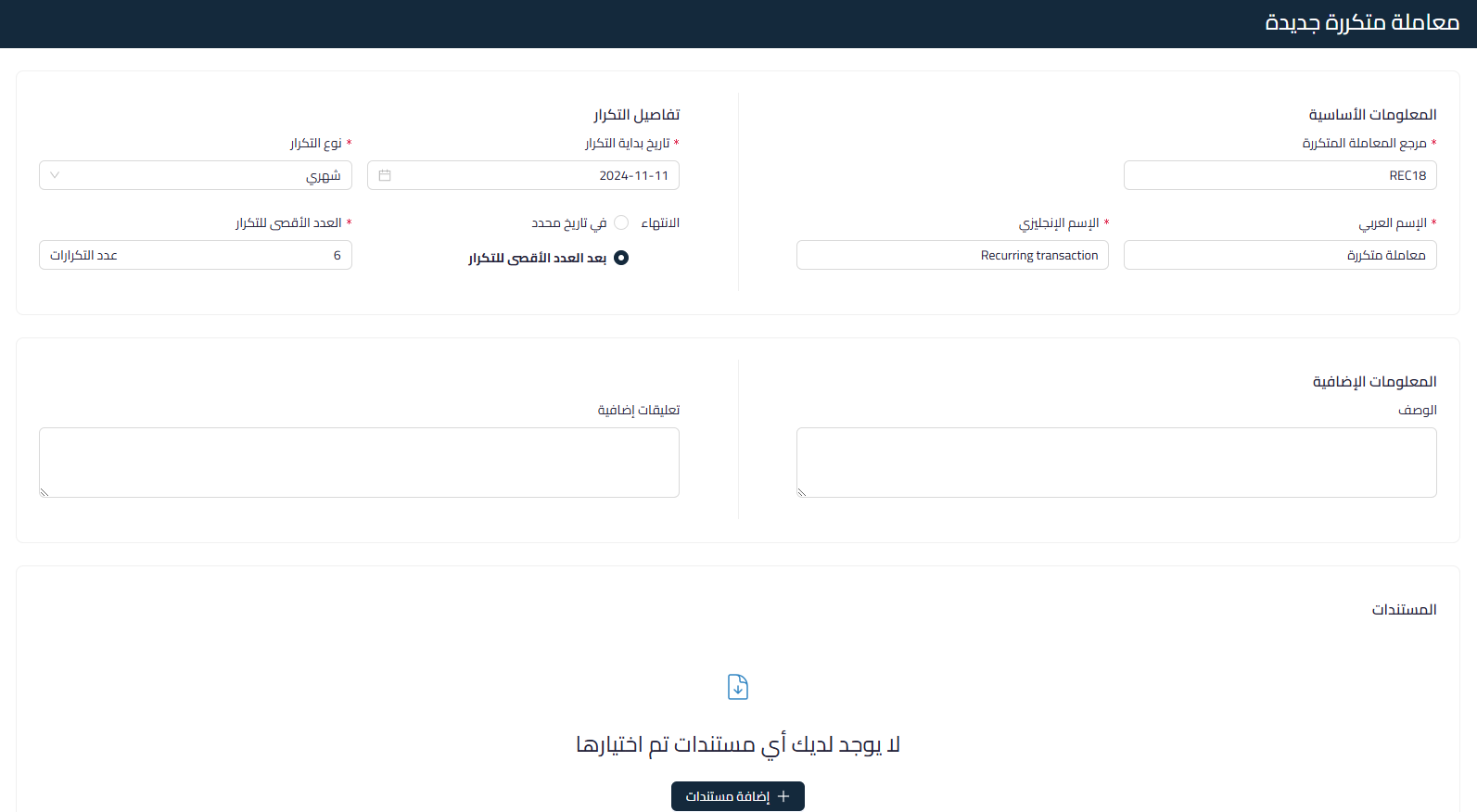
3- Fill in the following details:
- Basic Information
- Recurring Transaction Reference: Auto-filled and editable
- Arabic Name: Required field
- English Name: Required field
- Repetition Details
- Repetition Start Date
- Type of Repetition
- Ending
- On a specific date:
- The last date on which repetition occurs is determined according to the type of repetition
- After the maximum number of repetitions:
- The maximum number of repetitions is entered
- On a specific date:
- Additional Information
- Description
- Additional Comments
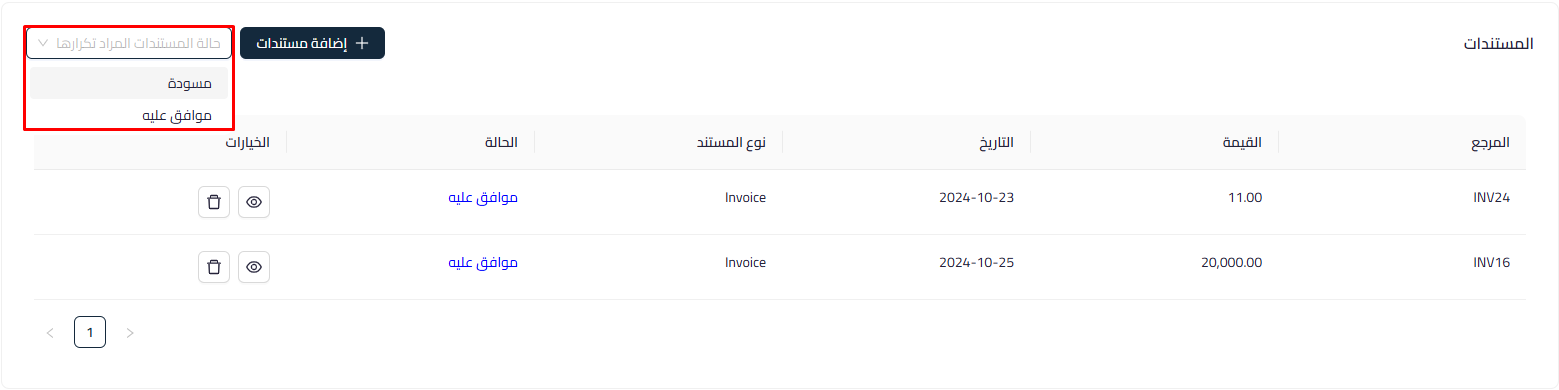
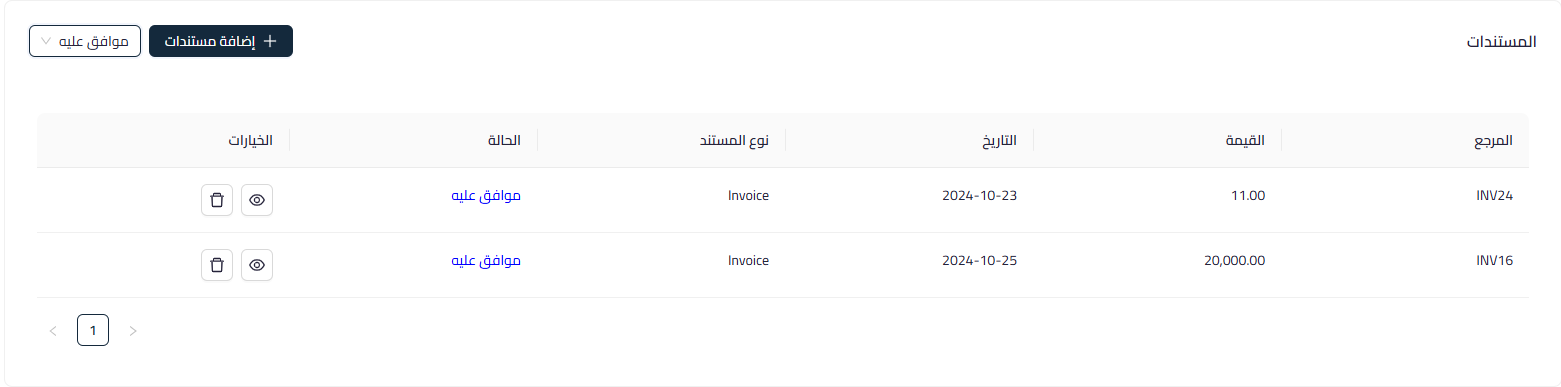
- Documents: By clicking “Add Documents” the documents that the user has access to and can create a recurring transaction for will appear, such as:
- Sales Invoices
- Purchase Invoices
- Simple Invoices
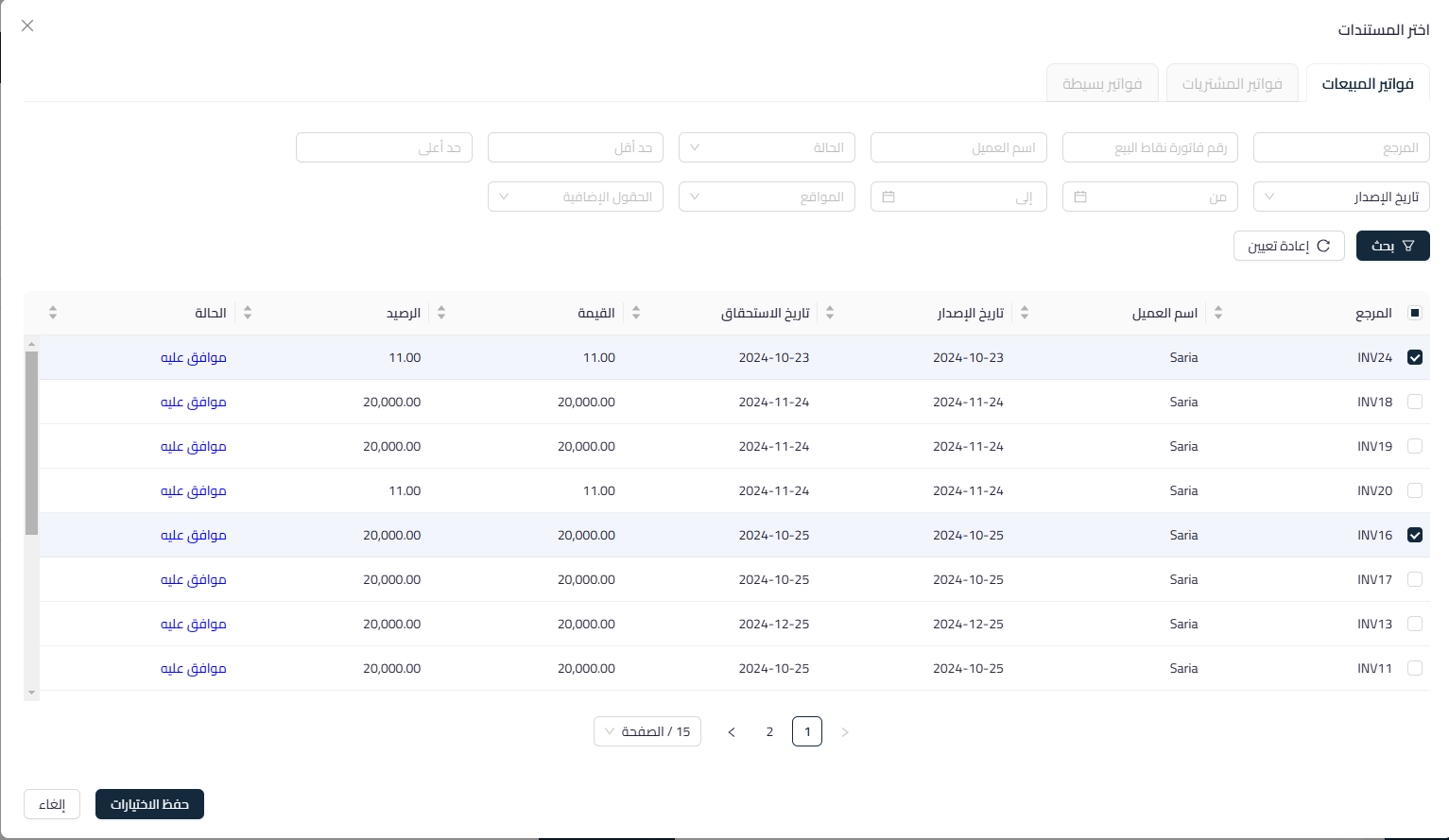
- When selecting the document, you choose the status in which the recurring invoices will be created according to permissions:
- Draft
- Pending Approval
- Approved
Recurring Transaction Save States:
- Save as Draft
- Start Process: When you have approval permission
- Start Process and Create New: When you have approval permission you can save it and create another recurring transaction
- Cancel: Cancel the created recurring process
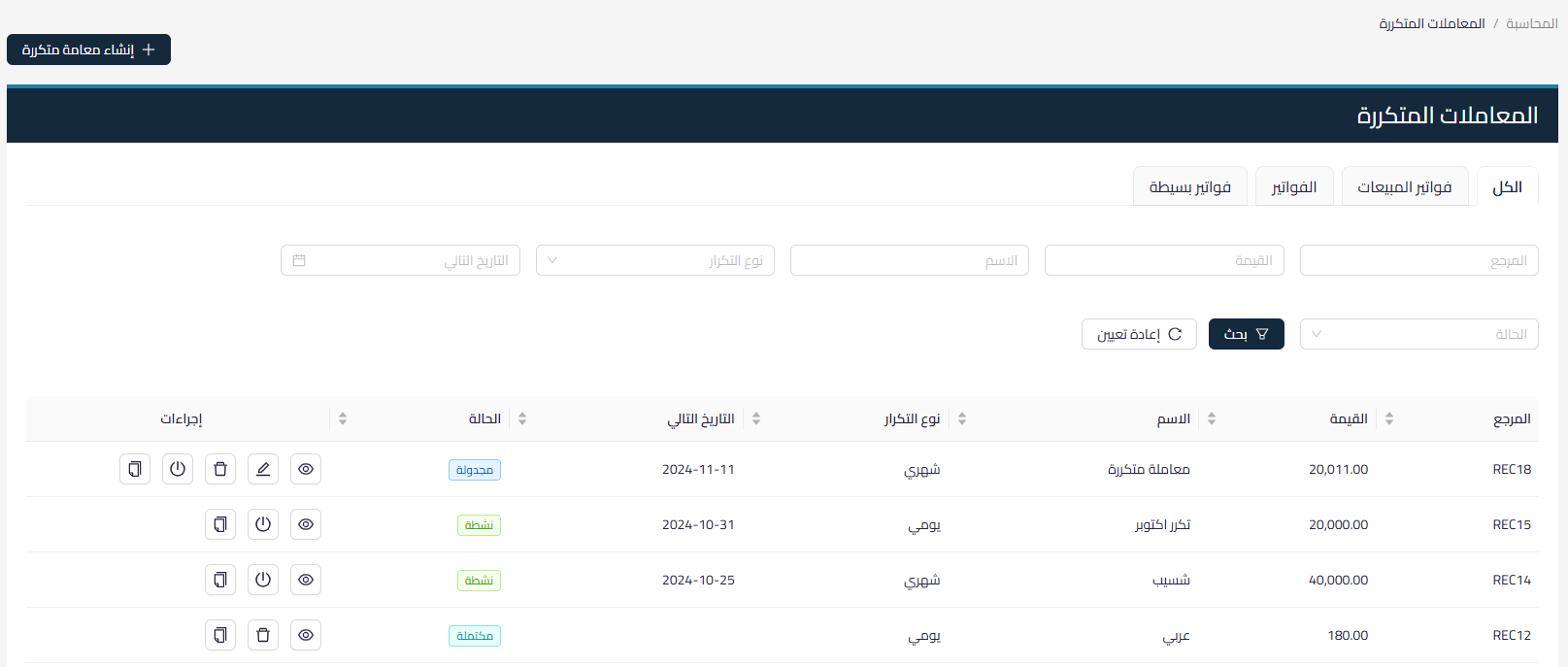
Recurring Transaction States:
Draft: When a recurring transaction is saved as a draft, it will not repeat until it is approved
Active: When the first repetition starts and the remaining repetitions have not ended
Completed: When all recurring transactions are completed
Scheduled: When a recurring transaction is saved and approved but the first recurring transaction has not yet started
Inactive: When a recurring transaction is deactivated
Error: If a recurring transaction fails to repeat due to archiving of a product/account.
Explainer video about Recurring Transactions:
Watch the recurring transactions explainer video



