




Here is an explanation of how to add bank account information for a customer or supplier
To add bank account information, please follow these steps:
- Go to the Customers or Suppliers list.
- Click Edit next to the customer or supplier name you want to edit.
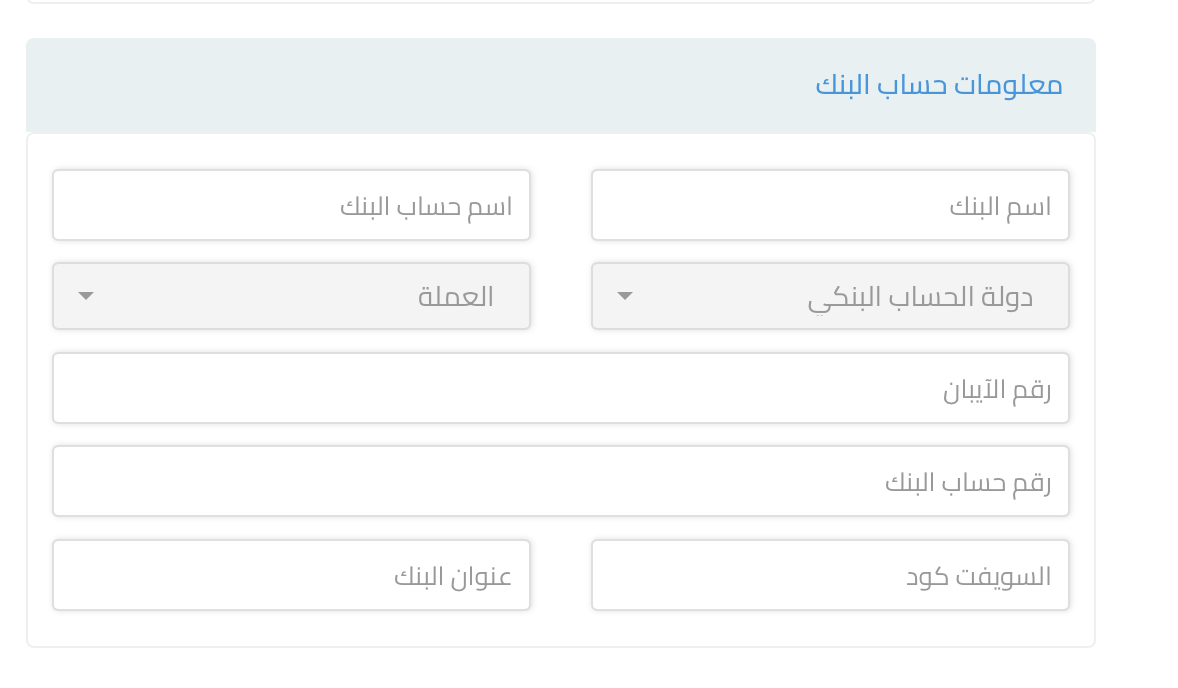
- Add bank account information in the available fields, which are:
- Bank Account Country
- Currency
- Bank Name
- Bank Account Name
- Bank Account Number
- IBAN Number
- SWIFT Code
- Bank Address

Important Notes:
-
All fields are optional by default and accept text and numbers.
-
If you fill in any of the following fields:
- Bank Name or Bank Account Name
The following fields become mandatory: - Bank Account Country
- Currency
- Bank Name
- Bank Account Name
- Bank Name or Bank Account Name
-
At least one of the following fields must be filled:
- Account Number
- IBAN Number
-
If only the Account Number is filled, the following additional fields must be completed:
- SWIFT Code
- Bank Address



