




We added the Receipts Report to Qoyod, a unified report that shows every Customer Receipt and Vendor Receipt in one place, so you can trace any receipt easily.
Where to find it
Reports, then Financial Reports.
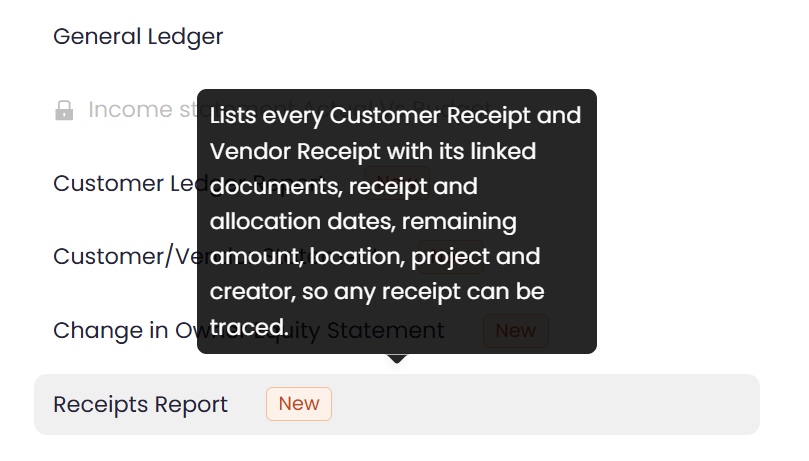
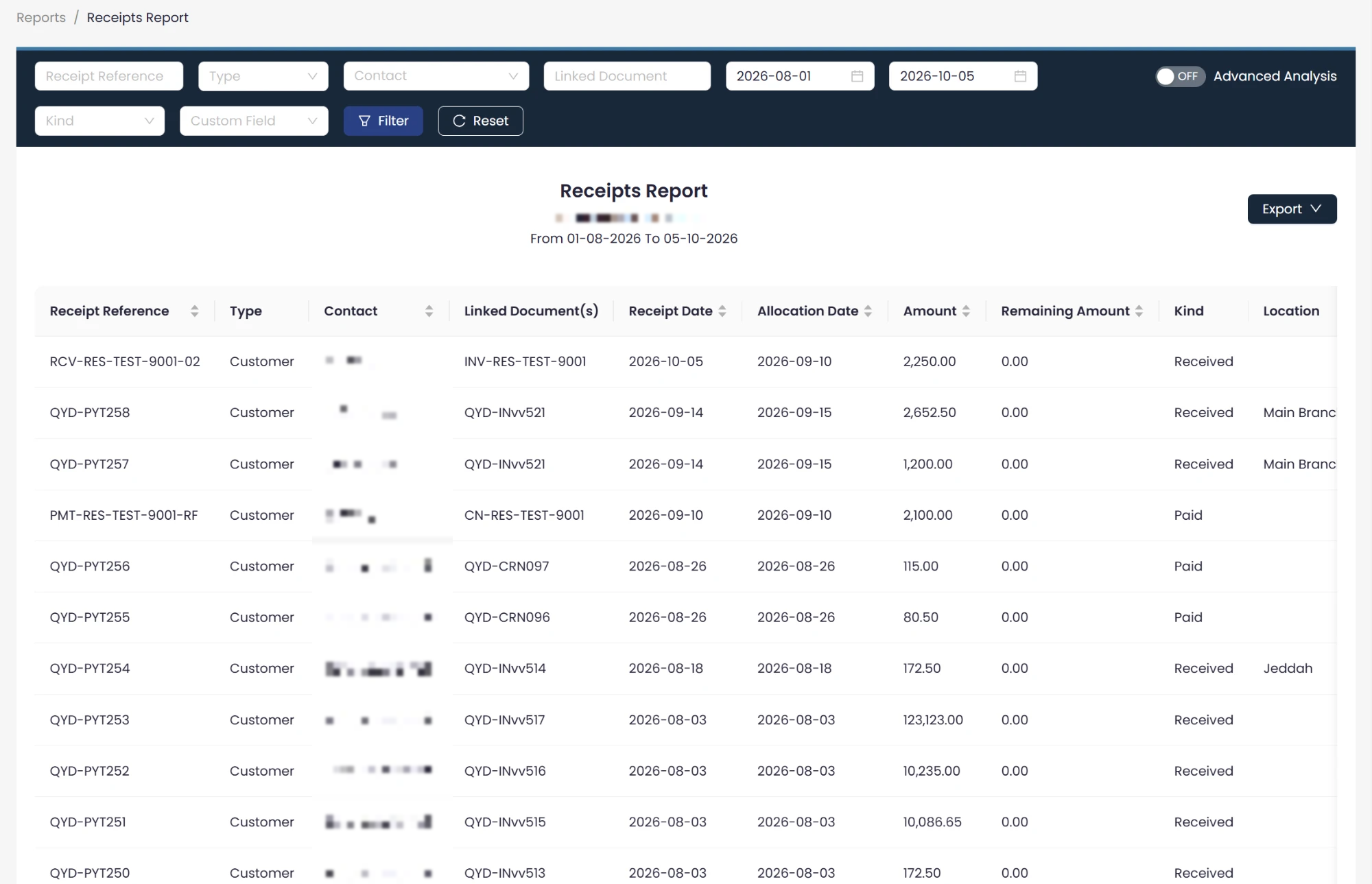
What the report shows
For each receipt it shows the receipt reference, the linked document or documents, the receipt date and the allocation date, the amount and the remaining unallocated amount, the location, the linked project (if any), and the name of the person who created the receipt.
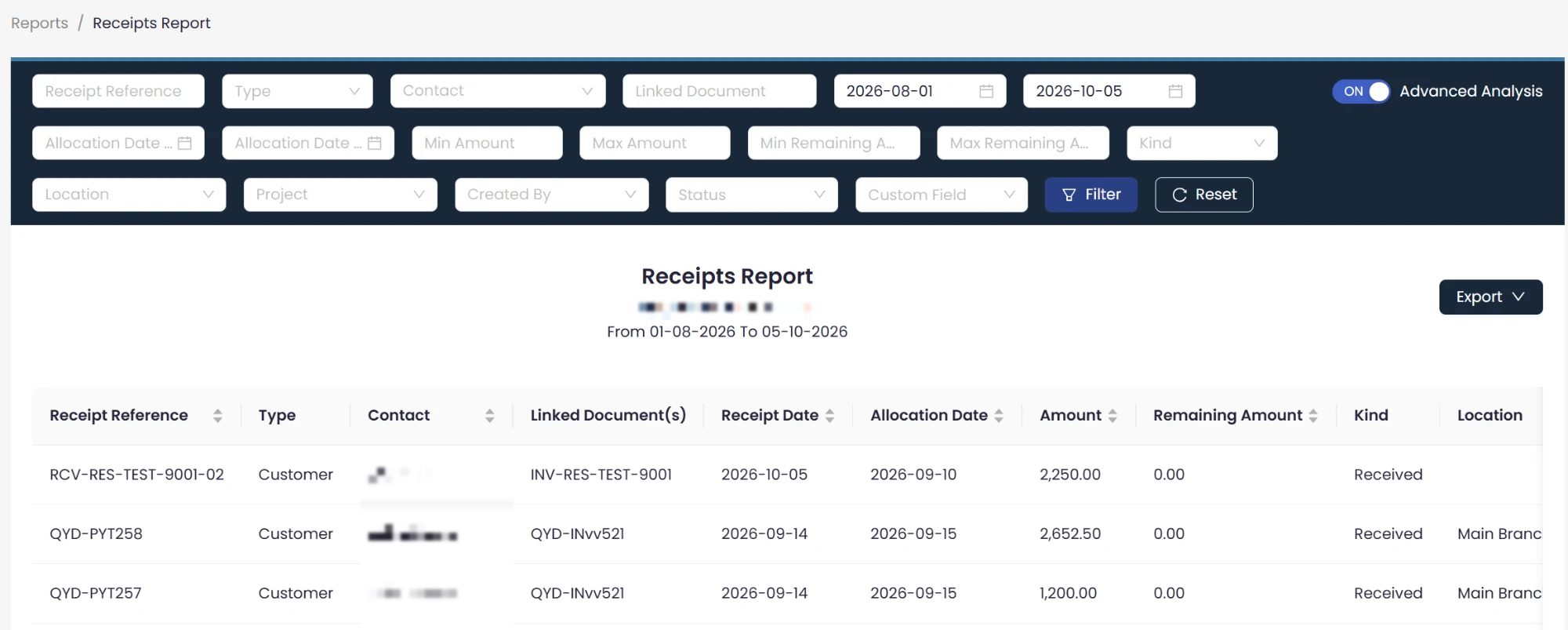
Search, filter and export
Once you turn on Advanced Analysis, you can filter and search by any of these fields: receipt reference, linked document, date, amount, branch, project, or creator. You can also export the results to an Excel file.
Permissions
The report shows data according to the permissions set in the system, so each user sees only what they are allowed to see.
Who it is for
Accountants and finance teams who review customer and vendor receipts and want to reach any receipt quickly, see its linked documents, and see how much of it remains unallocated.
The report is available now under Financial Reports.
