




 Can a disorganized financial system survive growth?
In many companies, financial trouble starts in an unexpected place: the absence of a clear chart of accounts.
This foundational tool isn’t only for organizing accounts. It powers accurate reporting, profitability analysis, and financial compliance.
The chart of accounts is the structural blueprint that classifies a company’s accounts into sequential levels, making every financial transaction traceable, whether it’s revenue, an expense, an asset, or a liability.
With it in place, bookkeeping becomes more accurate, and financial data shifts from scattered numbers into information you can analyze and rely on.
In this guide, Qoyod walks you through how to design a flexible, customizable chart of accounts, and gives you a ready-made template in Excel and PDF you can download and adjust to fit your business.
Whether you run a startup, an established firm, or you’re building a sound accounting system from day one, this guide is your roadmap.
What is a chart of accounts? Definition and importance for businesses
The chart of accounts is the organizational structure used to classify and arrange financial accounts within any accounting system. It acts as a comprehensive index of every account a business uses to record financial transactions, from assets and liabilities, through revenues and expenses, to capital accounts.
It takes a hierarchical shape that starts with the main accounts:
- Assets (financial and physical)
- Liabilities (debts and payables)
- Equity
- Revenue
- Expenses
From there, it branches into more detailed sub-accounts such as “Cash on hand”, “Bank”, “Inventory”, “Administrative expenses”, and so on, organizing information in a way that lets you produce accurate, comprehensive reports at any time.
Why is the chart of accounts a foundational step in any accounting system?
- Organizes financial operations: every transaction is classified under the right account, preventing duplication and confusion.
- Accurate reporting: trial balances and financial statements are produced automatically and accurately.
- Financial performance analysis: management can analyze performance by department, branch, or cost center.
- Transparency and accountability: especially for companies subject to audit or working with partners and investors.
- Compliance with accounting standards: locally and internationally, it’s a prerequisite for any standards-compliant accounting program.

Bottom line: you cannot build a sound accounting system without a carefully designed chart of accounts. That’s why the first step in any accounting setup is designing a chart of accounts that matches the nature of the business and accommodates future growth.
Components of a chart of accounts template and the coding map (account codes)
A chart of accounts template is a connected set of accounting classifications that records every financial transaction in the business. For it to do its job, it must be built on a logical structure that supports tracking and analysis, with a clear numbering (coding) system that works inside any accounting program.
First: the main classifications of the chart of accounts
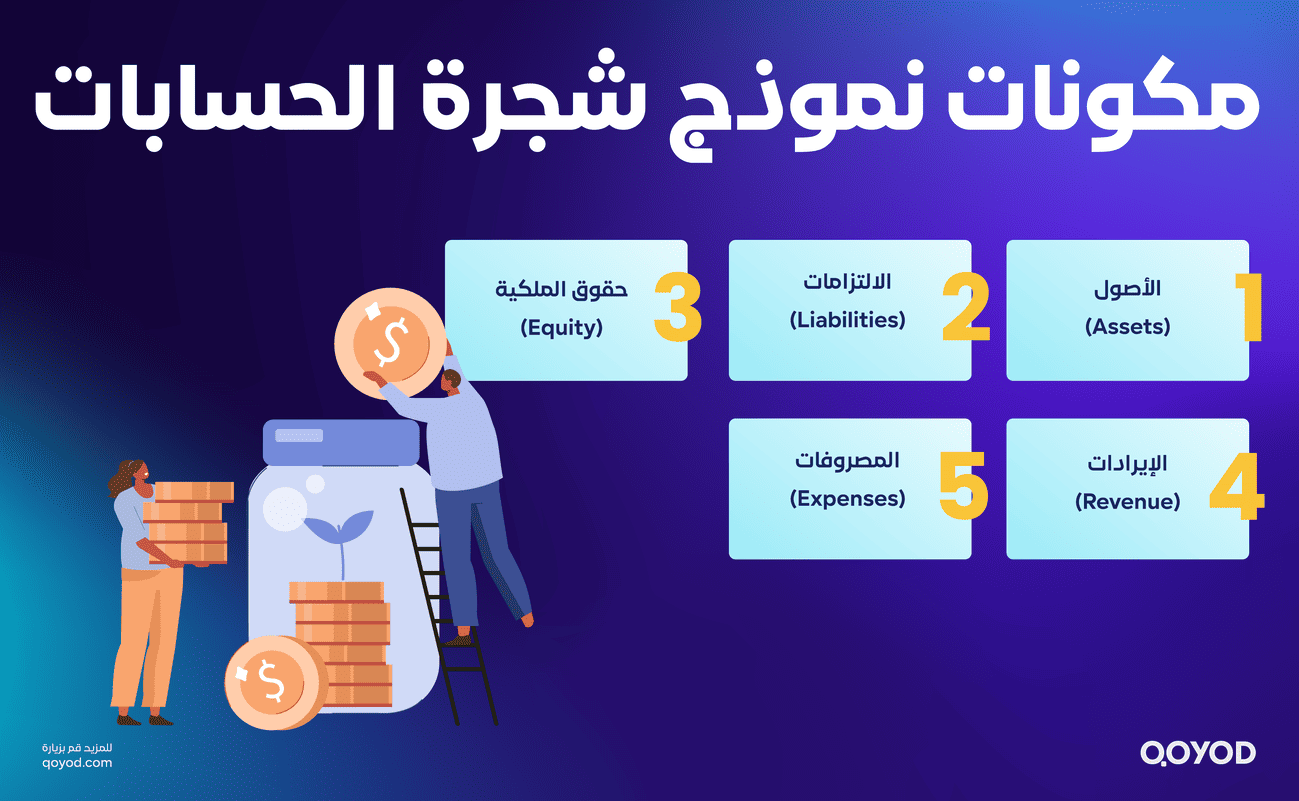
The chart is typically divided into five main categories:
- Assets
All resources owned by the business: cash, bank balances, inventory, fixed assets. - Liabilities
Obligations the company owes to others: loans, suppliers, accounts payable, taxes due. - Equity
Capital, retained earnings, drawings, and any change in owners’ or partners’ equity. - Revenue
All income from business activity: sales, services, investment income. - Expenses
All costs and outflows: salaries, rent, administrative and operating expenses.
Second: branching levels in the chart of accounts
The chart is built as a hierarchy that starts with main accounts and branches into more detailed sub-accounts. For example:
- 1000 Assets
- 1100 Current assets
- 1110 Cash on hand
- 1120 Cash at bank
- 1200 Fixed assets
- 1210 Furniture and equipment
This hierarchy organizes accounts and lets you tailor them to the nature of the business.
Third: the coding map (account codes)
A numeric coding system identifies every account in the chart, typically like this:
- Each main category starts with a fixed number (1 for assets, 2 for liabilities, 3 for equity, and so on).
- Sub-accounts follow the same order with additional digits indicating their level in the structure.
Example:
- 1: Assets
- 11: Current assets
- 1110: Cash on hand
- 1120: Cash at bank
Your coding system should be:
- Consistent and easy to extend.
- Compatible with accounting software like Qoyod.
- Easy to filter when generating reports.
How to set up a chart of accounts step by step (Excel or PDF)
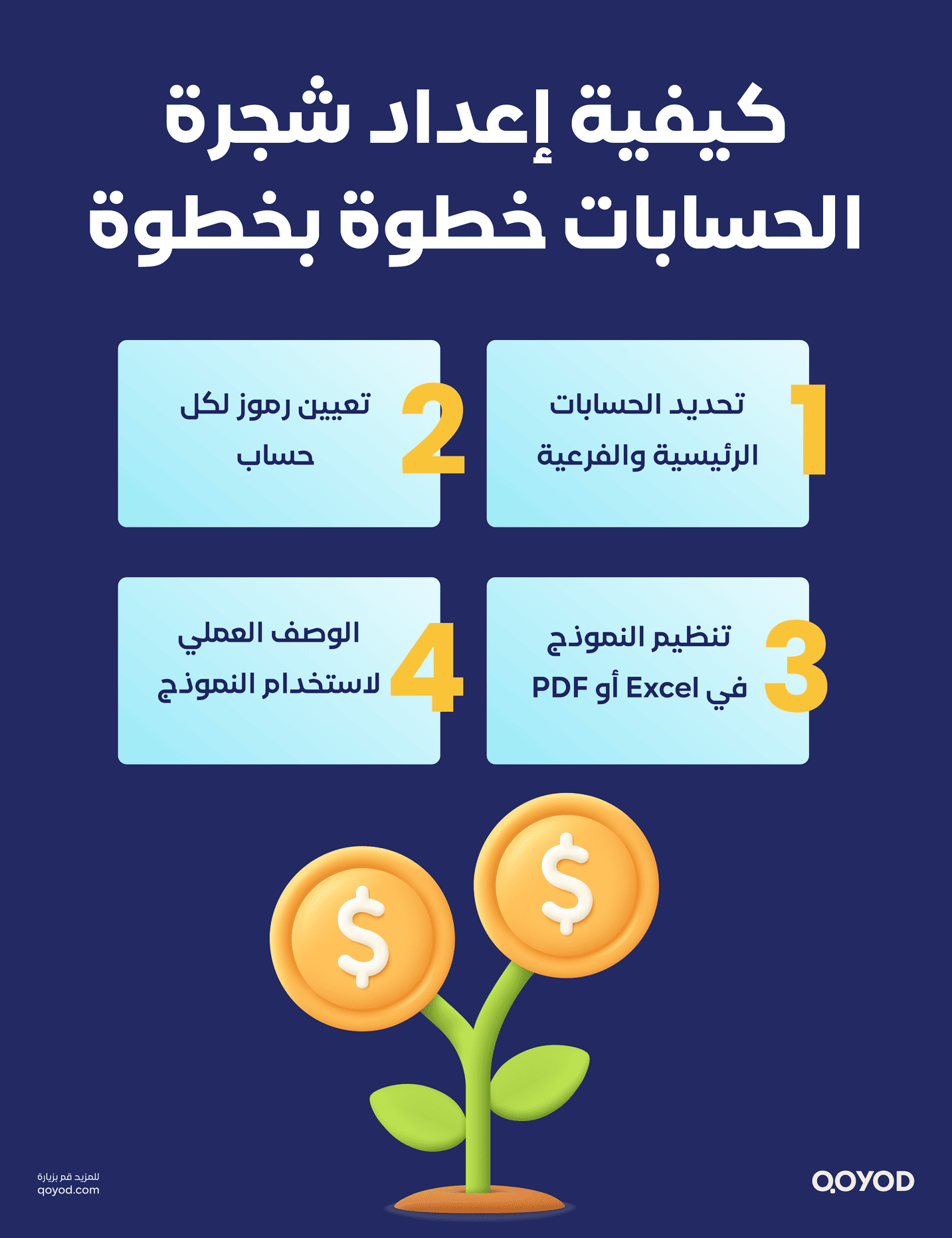
To set up a chart of accounts step by step in Excel or PDF, follow these practical steps: define the main and sub-accounts, assign codes, and organize the template with clear descriptions:
- Define the main and sub-accounts
-
-
- Start by listing the five core accounts in any accounting system:
- Assets
- Liabilities
- Equity
- Revenue
- Expenses
- Then split each main account into sub-accounts that fit your business. For example, assets break into current and non-current assets.
- Start by listing the five core accounts in any accounting system:
-
- Assign a code to every account
-
-
- Give each account a unique code to make it easy to recognize and group.
- Use sequential coding so every main account starts with a fixed digit (1 for assets, 2 for liabilities, and so on), and sub-accounts carry that parent number followed by additional digits (11 for current assets, 21 for current liabilities).
- This coding makes classification and grouping in financial reports much easier.
-
- Organize the template in Excel or PDF
-
-
- Create a table with columns: account code, account name, account type (main or sub), short description, and account status (active or inactive).
- Enter the data following the hierarchy from main accounts down to sub-accounts.
- Review the order to make sure each account is easy to trace and the structure is clear.
-
- Practical use of the template
-
-
- Once the chart is ready, daily transactions are posted to the right accounts using the codes you defined.
- Update the template periodically to add, remove, or modify accounts as the business changes.
- Use the template to streamline reporting, including the income statement and balance sheet.
-
- Important tips
-
- Keep it simple. Avoid over-engineering the chart.
- Start with the essentials, then add detail as the need arises.
- Make every account description clear so any employee can use the template.
How to use the template to record daily financial transactions
Once the chart of accounts is built and coded properly, it becomes the first reference point for every transaction in your accounting system. Its strength lies in being the foundation for journal entries, the general ledger, and balance tracking.
How does the chart of accounts work in the daily accounting cycle?
- Record the journal entry
When a financial transaction occurs, pick the two accounts involved (debit and credit) from the chart.
Example: buying office furniture in cash.
Debit: 1210, Furniture and equipment
Credit: 1110, Cash on hand
- Update the general ledger
Every journal entry flows automatically into the general ledger, with each movement classified under the right account in the chart. - Track balances and analyze accounts
By linking the chart to your accounting reports, you can monitor running balances, see the financial position, and analyze performance by account or group.
Worked examples: chart of accounts templates by business type
The chart of accounts varies by activity. Here are simplified templates that suit a few common business types:
1. Chart of accounts, general trading company
- 1000 Assets
- 1100 Cash and banks
1200 Accounts receivable
1300 Inventory
- 2000 Liabilities
2100 Suppliers
2200 Short-term loans
- 4000 Revenue
4100 Local sales
4200 International sales
- 5000 Expenses
5100 Salaries
5200 Shipping and transport
2. Chart of accounts, restaurant
- 1000 Assets
1110 Cash on hand
1130 Customer accounts (delivery orders)
1300 Food inventory
- 4000 Revenue
4100 Dine-in sales
4200 Delivery sales
- 5000 Expenses
5100 Kitchen staff salaries
5110 Raw materials
5200 Electricity and water
3. Chart of accounts, retail shop
- 1000 Assets
1100 Cash
1200 Inventory
- 4000 Revenue
4100 Cash sales
4200 Credit sales
- 5000 Expenses
5100 Shop rent
5200 Maintenance and renovation
Using these templates inside an accounting program like Qoyod, you can customize accounts easily and link daily transactions directly to financial reports, without rebuilding the chart from scratch for every activity.
Why a chart of accounts template matters for accurate financial reporting and performance analysis
The chart of accounts is the foundation any financial system is built on. It organizes information precisely and systematically, which makes producing transparent, reliable reports far easier.
With a well-structured template, you can:
- Produce an accurate trial balance: balances roll up across every sub and main account, letting you confirm debits and credits are in balance.
- Prepare the core financial statements: income statement, balance sheet, and cash flow statement, based on clear account classifications.
- Analyze financial performance: split expenses and revenue across cost centers or business units to support informed decisions on profitability and cost reduction.
Best practices for building and improving your chart of accounts
To keep the chart effective as your business grows and shifts, follow these guidelines:
- Periodic updates: review the chart regularly to add new accounts or remove unused ones, in line with current operations.
- Simple coding: keep codes easy to understand and remember. Avoid unnecessary complexity.
- Good documentation: document every account and its purpose to make onboarding employees or new accountants easier.
- Integration with your accounting system: pick a program like Qoyod that links directly to the chart and updates it automatically.
- Avoid duplication: never repeat accounts or classifications, to prevent conflicts and confusion in the data.
Hands-on video: how to create a chart of accounts in Qoyod
If you want to see this applied directly, watch this detailed walkthrough from Qoyod’s official channel, which covers step by step:
- How to reach the chart of accounts in the system.
- Steps to create and classify accounts.
- How to enter codes and link them to classifications.
- How to edit accounts or add new ones later.
Watch now:
How to set up the chart of accounts in Qoyod, a hands-on walkthrough.
Download the ready template and customize it to your business
Qoyod provides ready-made chart of accounts templates in two common formats: Excel and PDF, so you can download them easily and start adjusting them to your business.
- Excel format: flexible and easy to edit. Add or remove accounts, change codes, and reorganize levels quickly.
- PDF format: suited for viewing and printing. Use it as a reference or guide while building your digital version.
By following this guide, you’ll build a strong financial system that supports your growth and helps you make financial decisions with confidence and clarity.
Frequently Asked Questions (FAQ)
What is the chart of accounts and why is it essential?
It’s the structural blueprint that classifies all of a company’s accounts (assets, liabilities, revenue, expenses). It’s essential because it organizes financial transactions and stops numbers from scattering, making it easy to track every riyal moving in and out of the business.
What is the “coding” system and how does it simplify accounting work?
It’s the practice of giving every account a unique numeric code (such as 1 for assets and 11 for cash). It speeds up access inside accounting systems, prevents mix-ups between similar accounts, and makes reporting automated and precise.
Should the chart of accounts be identical across all business types?
No. It should be tailored to the type of business. A restaurant’s chart of accounts differs from a retail shop’s in how inventory and revenue are classified, keeping the financial structure aligned with actual daily operations.
How does the chart of accounts affect the accuracy of your balance sheet and financial statements?
It’s the foundation of the trial balance and the income statement. Correct classification ensures balances are aggregated accurately in the final statements, giving you a true view of net profit and financial position with no errors.
Wrapping up
The chart of accounts is the cornerstone of any successful accounting system. It’s not just a way to classify accounts. It’s a strategic tool that organizes financial information, improves report accuracy, and strengthens transparency and compliance.
Whether you’re founding a new company or improving an existing accounting system, investing in a flexible chart of accounts that matches your business is a step you can’t skip.
In this guide from Qoyod, we walked through how to build a chart of accounts template, the best practices for coding accounts, and how to use them in the daily accounting cycle, with a ready template available in Excel and PDF.
Customize the template to fit your company, and keep updating it as operations and goals evolve.
For more, watch the hands-on Qoyod video to apply the template inside the program with ease.