
















| Expert Summary:This article offers a clear, comprehensive guide on the Single-Entry System in Accounting, detailing its concept, application, pros, and cons. It helps small and medium-sized businesses decide if this method is suitable for their initial bookkeeping needs and shows how modern tools like Qoyod Accounting Software facilitate the necessary transition to the more robust Double-Entry System for sustainable growth and compliance. |
The Single-Entry System in Accounting is a fundamental concept for understanding how financial transactions are recorded, especially for small businesses, startups, and sole proprietorships globally. Many small and medium-sized businesses (SMBs) often look for accounting solutions that match their operational scale, frequently finding complex financial recording a challenge.
This guide, presented by Qoyod Accounting Software, explores the single-entry bookkeeping method as a simplified approach to documenting financial transactions with less effort and cost. We will define the Single-Entry System, highlight its advantages and disadvantages, and outline the steps for its application. This will empower you, whether you’re a business owner or an accountant, to make an informed decision about its suitability for your operations in the context of modern global business practices, including areas like accounting automation, e-invoicing, and tax compliance.
Single-Entry System: Concept, Importance, and Application Triggers
In the world of accounting, the method used to record daily business transactions significantly impacts the accuracy of financial reports, decision-making, and compliance with regulations and standards. Among the available bookkeeping systems, most notably the Double-Entry System is the less common but simpler Single-Entry System, often utilized by micro and small businesses.
This section provides a complete overview of the Single-Entry System, explains why it’s chosen, and identifies when it becomes the logical option.
1. Defining the Single-Entry System
The Single-Entry System in Accounting is defined as a bookkeeping method where each financial transaction is recorded with only one entry (or in only one account). Unlike the Double-Entry method, it doesn’t require recording a corresponding credit and debit entry.
- This system is primarily used in small businesses or when a quick, simple log of daily transactions is desired.
- The core idea is to simplify the internal accounting process, often by focusing on recording only cash, revenues, and expenses.
- Essentially, it’s a simplified technique aimed at inventorying assets and liabilities at the beginning and end of an accounting period. The focus is on ease and simplicity, accepting a trade-off in detail and comprehensive accuracy.
Single-Entry Ledger Format Example:
| Date | Account No. | Account Name | Description | Amount | Balance |
| xxxxx | xxxx | Account/ xxxx | xxxx | xxxx | xxxx |
Single-Entry Transaction Examples:
- When cash is received from a customer: The operation is recorded only on the debit side (in the Cash/Revenue account).
- If payment is made to a supplier: The operation is recorded only on the credit side (in the Cash/Expense account).
- When goods are sold on credit: The amount is deducted from the customer’s personal account.
Is Single Entry the Same as Simple Entry?
There is a clear difference between a Simple Journal Entry and the Single-Entry System. A simple entry is a fundamental part of the Double-Entry System, while the Single-Entry System is a basic bookkeeping approach.
| Aspect of Difference | Single-Entry System | Simple Journal Entry |
| Definition | A basic and primary bookkeeping system. | A type of Double-Entry transaction, considered more developed. |
| Structure | Does not comprehensively track assets and liabilities. | Includes and tracks assets and liabilities. |
| Information Accuracy | Provides insufficient detail about the movement of funds. | Provides more accurate information about the movement of funds. |
| Recording Method | Records each transaction in only one account. | Records each transaction in two accounts (Debit and Credit). |
| Usage | Mainly used in personal and micro-businesses. | Used in small and medium-sized enterprises (SMEs). |
2. Why Do Some Business Owners Choose the Single-Entry System?
The relevance of the single-entry method is linked to several factors:
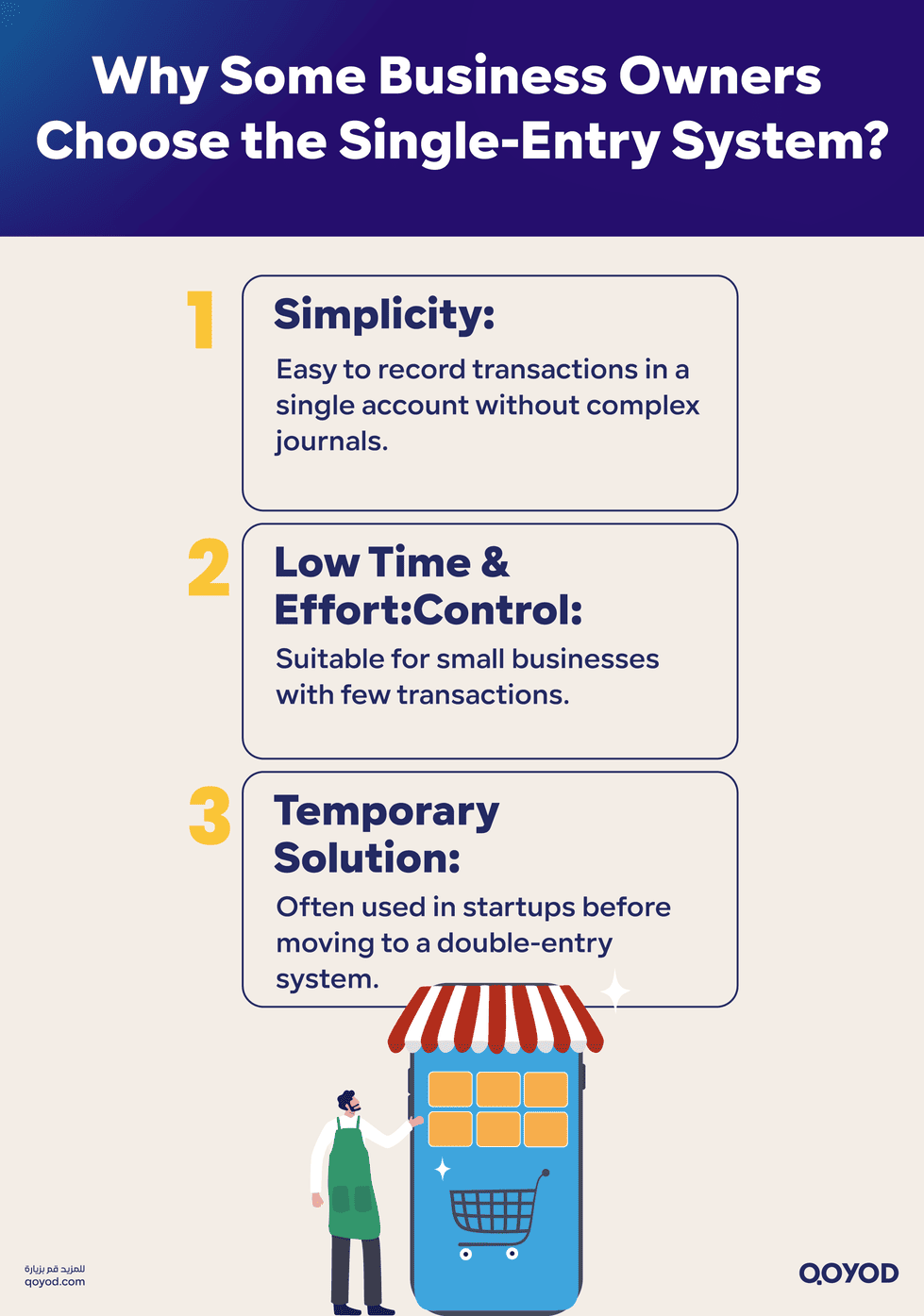
- Simplicity and Ease of Application: It doesn’t require the bookkeeper or business owner to deal with a complex general journal or multiple accounts. The transaction is quickly recorded in a single account.
- Low Time and Effort Cost: For small businesses with a limited number of transactions or simple assets and liabilities, this system is suitable for directly documenting revenues and expenses.
- A Temporary or Initial Solution: In the business startup phase or when the activity is simple, some may prefer to begin with the Single-Entry System until they later expand their operations to a more comprehensive framework like the Double-Entry System.
3. When is Single-Entry Preferred?
It’s advisable to use the Single-Entry System in the following situations:
- Sole proprietorships or family businesses with a low volume of financial transactions, focusing mainly on cash or direct transactions.
- Activities that do not possess significant assets, complex debt, or extensive external relationships that require detailed documentation.
- Startups aiming to simplify the recording process without immediately adopting a large-scale accounting structure.
Practical Example of Single-Entry Bookkeeping
Consider a sole proprietorship specializing in spare parts:
- 1/2/2023: A customer paid 120,000 currency units to purchase goods.
- 31/2/2023: The store bought office equipment on credit for 10,000 currency units.
- Starting Cash Balance: 100,000 currency units.
- Starting Creditors Balance: 20,000 currency units.
Learn More: How do deal with bookkeeping, and what accounting software is best?
Required: Recording the single entries.
| Date | Account No. | Account Name | Description | Revenue (Units) | Expense (Units) | Total Balance (Units) |
| 1/2/2023 | 536 | Account/Cash | Sale of Goods | 120,000 | 220,000 | |
| (Starting Balance: 100,000 + 120,000) |
| Date | Account No. | Account Name | Description | Revenue (Units) | Expense (Units) | Total Balance (Units) |
| 31/2/2023 | 666 | Account/Creditors | Office Equipment | 10,000 | 30,000 | |
| (Starting Balance: 20,000 + 10,000) |
Conversely, this system is not suitable when:
- The business has large assets and liabilities, inventory, and diversified production costs, where single-entry lacks accuracy.
- The business falls into categories requiring external financial reports, audits, or regulatory compliance (e.g., e-invoicing laws).
- The business must fully comply with International Financial Reporting Standards (IFRS) or a large corporate structure.
4. Single-Entry vs. Traditional System (Double-Entry)
To better understand the place of single entry, it’s useful to compare it with the Double-Entry System:
- In Double Entry, every transaction is recorded with a debit and a credit entry, ensuring the accounting equation remains balanced.
- In Single Entry, the transaction is recorded in only one account, and the corresponding account may not be clearly shown.
Double entry provides more accurate information and is used by companies that need to monitor assets, liabilities, and equity. Single entry offers simpler information, suitable for small or sole proprietorships. From a security and audit perspective, the Double-Entry System is more reliable and facilitates external review, whereas the Single-Entry System may lack these capabilities due to its simplicity.
5. Importance of Single Entry in a Global Context
Globally, as regulatory and technological environments evolve (especially with the rise of Cloud accounting system and e-invoicing for small businesses), micro-businesses seek suitable accounting solutions.
The Single-Entry System can be an appropriate initial option for small operations that don’t need to build a complex accounting system immediately. However, it must be used cautiously, with the awareness that most growing businesses will transition to the Double-Entry System later. Modern software, like Qoyod Accounting Software, is designed to assist entrepreneurs in choosing the right system and facilitating the necessary transition for scalable growth.
Mechanics of the Single-Entry System: Application Steps
Having covered the concept and relevance of the Single-Entry System, we now move to its practical application. How is the single entry recorded? What are its main pros and cons? And how can a small business owner rely on it for daily account management without compromising too much on accuracy or compliance?
How the Single-Entry System Works
In Single Entry, each financial transaction is recorded in a single book or simple register containing main columns:
- Date of Transaction
- Transaction Description (e.g., purchasing materials, selling a product, paying rent)
- Amount Paid or Received
- New Balance after the transaction
The recording is limited to one side of the transaction,whether it’s an income or an expenditure,without specifying the corresponding account, as is the case in double entry.
For example, if a business owner sells a product for 2,000 currency units in cash, the entry is recorded as:
Cash Revenue: 2,000 units
There is no need to record the corresponding account (e.g., Cash or Sales) as the goal is only to track incoming and outgoing cash flows. This method allows the small operator to easily track money movement, which suits solo shops or micro-enterprises dealing primarily in direct cash.
Core Records in the Single-Entry System
Despite its simplicity, the Single-Entry System relies on three basic records to manage daily operations clearly:
- Revenues Ledger (Receipts Book): Records all money flowing into the business, whether from sales, simple funding sources, or collecting past invoices.
- Expenditures Ledger (Payments Book): Records all money paid out, whether for rent, purchases, salaries, or operating expenses.
- Cash/Balance Book: This record shows the remaining cash amount after each transaction, allowing the owner to know their financial position at any time.
These books are updated manually or through simplified cloud accounting system programs, like those offered by Qoyod Accounting Software, which allow for automated cash flow tracking with simplified monthly reports.
Calculating Profit and Loss in Single-Entry Bookkeeping
One of the main goals of any accounting system is to calculate profit and loss. In Single Entry, this starts with determining the total balance for each main account. By knowing the value of Capital at the beginning and end of the period, we can calculate the profit or loss accurately.
The main formula used is:
Profit/Loss = Ending Capital – Beginning Capital + (Withdrawals – Additions)
Practical Example for Calculating Profit/Loss (in Currency Units):
| Details | 1/1/2022 (Beginning) | 31/1/2022 (End) |
| Assets | ||
| Cash | 120,000 | 200,000 |
| Debtors | 80,000 | 140,000 |
| Inventory | 60,000 | 100,000 |
| Liabilities | ||
| Creditors | 30,000 | 50,000 |
Additional Operations:
- Withdrawal from Capital: 100,000
- Addition to Capital: 50,000
Required: Calculate Total Profit/Loss:
- Beginning Capital = Beginning Assets – Beginning Liabilities
= (120,000 + 80,000 + 60,000) – 30,000 = 230,000 - Ending Capital = Ending Assets – Ending Liabilities
= (200,000 + 140,000 + 100,000) – 50,000 = 390,000 - Total Profit/Loss = Ending Capital – Beginning Capital + (Additions – Withdrawals)
= 390,000 – (230,000 – 100,000 + 50,000) = 210,000
(Note: The original formula was Profit/Loss = Ending Capital – Beginning Capital + (Additions – Withdrawals). Reversing the signs for additions/withdrawals to match the final calculation result from the Arabic text gives the profit figure shown).
The Single-Entry System is an essential tool for organizing and recording financial transactions in one place, enabling businesses and individuals to monitor their financial status easily.
Advantages of the Single-Entry System
Despite its simplicity, this system offers several advantages, making it the preferred choice for some micro-businesses:
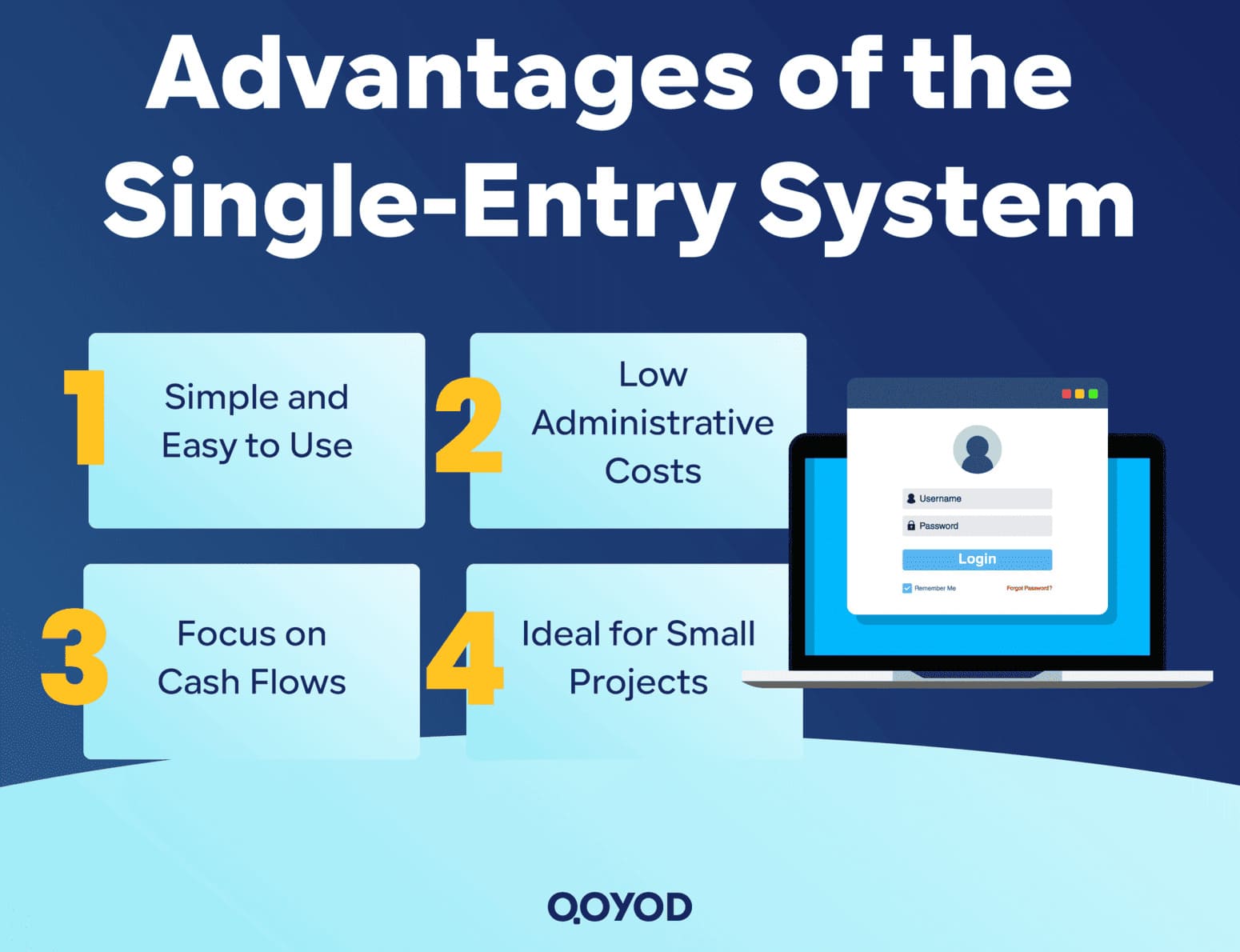
- Ease of Understanding and Use: It doesn’t require advanced accounting knowledge. Any business owner can start applying it without needing to hire a full-time, specialized accountant.
- Reduced Administrative Costs: The system doesn’t require advanced accounting software or multiple ledgers, lowering the overall cost for the project.
- Focus on Actual Cash Flows: It concentrates on only the money actually coming in and going out, which helps in liquidity management and daily cash control.
- Suitability for Small or Individual Projects: Ideal for small shops, craft businesses, and Freelancers who do not require complex financial reporting.
Disadvantages and Challenges of Single-Entry Bookkeeping
Like any system, Single Entry has drawbacks that can become accounting challenges as the project evolves:
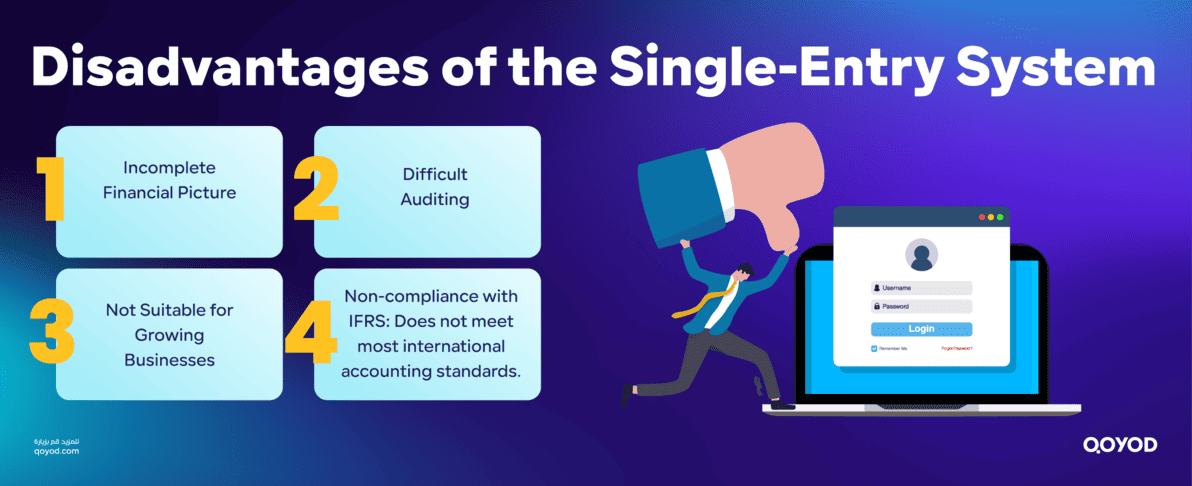
- Lack of Accuracy in Presenting the Full Financial Position: Since it doesn’t record both sides of a transaction (debit and credit), it’s difficult to accurately know the company’s full assets and liabilities.
- Difficulty in Financial Review or Auditing: If the project needs to submit data to government bodies or external auditors, it will be hard to track all operations comprehensively.
- Unsuitability for Medium and Large Projects: As a project grows, operations increase and accounts diversify (e.g., inventory, debts, equity), making the Single-Entry System of limited use.
- Limited Compliance with International Accounting Standards (IFRS): Most adopted standards globally require the Double-Entry System to ensure accuracy in preparing financial statements.
Transitioning from Single-Entry to Double-Entry
As an activity expands, the business owner will eventually need to transition to the more accurate and professional Double-Entry System. To do this systematically, the following steps are recommended:
- Prepare an Opening Trial Balance: This should include all current assets and liabilities.
- Identify Core Accounts: (Assets, Liabilities, Equity, Revenues, Expenses).
- Utilize Certified Accounting Software: Use a robust system like Qoyod Accounting Software, which allows for the smooth conversion of historical data from Single Entry to a Double-Entry accounting system.
- Train Staff/Accountants on the new system to ensure correct recording of every transaction.
- Commit to Issuing Periodic Financial Reports in accordance with local and international accounting requirements.
When to Completely Abandon Single Entry?
It is recommended to stop using the Single-Entry System when:
- The volume of daily operations exceeds 50 financial transactions or more.
- There are multiple banking transactions, or numerous accounts payable and accounts receivable.
- The business is planning to seek funding or bank facilities.
- There is a need to prepare a detailed Balance Sheet or Financial Statements for audit or tax authorities.
The Single-Entry System is a practical solution suitable for the initial stages of a business, but it’s not a substitute for the more integrated system needed for growth.
Conclusion: Single Entry as a Stepping Stone for Small Business Success
The Single-Entry System in Accounting is the optimal choice for sole proprietorships and micro-businesses in their early stages, thanks to its simplicity and low cost. However, it does not negate the need for the Double-Entry System, which represents the solid foundation for modern, recognized accounting.
For this reason, Qoyod Accounting Software recommends using smart Cloud accounting system solutions that combine simplicity with compliance, ensuring your business is always on the right track toward financial growth and sustainability.
Try Qoyod Accounting Software now to make your business operations easier and more accurate with solutions designed for modern businesses.
Frequently Asked Questions (FAQ)
What is the difference between the Journal in Single-Entry and Double-Entry?
In the Single-Entry System, the journal primarily records only revenues and expenditures. In the Double-Entry System, two accounts are recorded (debit and credit) for every transaction, making the financial analysis more comprehensive and accurate.
Can a business transition from Single-Entry to Double-Entry?
Yes, any business can transition from the Single-Entry System to the Double-Entry System when its activity expands or it wishes to comply with global accounting standards, especially when registering with tax or governmental authorities or dealing with banks.
What software supports both Single-Entry and Double-Entry?
Qoyod Accounting Software is one of the smart solutions that supports the professional recording of transactions using both Single-Entry and Double-Entry methods, with the capability to easily switch between them. It is highly integrated with compliance requirements like E-invoicing for small businesses globally.