The design of electronic invoices has become one of the most fundamental elements in the equation of the work of any enterprise, whether it is a small electronic store or a technical facility.
Efficient design simplifies the billing process and makes it easier for customers to pay their bills.
Perhaps one of the most important benefits of the electronic invoice is that it is not damaged or lost, as it can be accessed at any time.
However, what are the key elements that should be included during the e-invoice design process? How do I know if I designed the right bill for me?
These and more questions are the subject of our article for today. Let’s get started.
?What is an e-invoice
An electronic invoice is a type of bill that is created and sent electronically, usually by e-mail.
This type of invoice includes all the information in the paper invoice, such as the date, amount due, and cause of the invoice, but it is usually much easier to create and send the invoice.
Electronic invoices can also be created automatically based on purchase orders or other transactions.
You may be interested in: 11 unique features to switch to an e-invoice system
But just before we go into how to design e-invoices, always apply the following tips:
1.1. Important tips for designing electronic invoices
Follow these tips before starting any invoice design process to ensure that it comes out appropriately:
Consider planning your invoice, meaning don’t run behind the attractive design alone and forget the meaning; the information included should be clear and easy to read.
- Include all necessary information, such as the date, invoice number, and customer information, in a prominent place.
- Use a simple, easy-to-read font. Avoid using luxurious or decorative fonts that may be difficult to read on the screen or in print.
- Use colours wisely to highlight important information. A lot of colours can be confusing and difficult to read. Use colour to highlight key items of the invoice, such as the total due or payment due date.
Applying these tips will help you design the appropriate invoice.
As for the stages of its design, this is what we will discuss now.
Stages of creating the electronic invoice
The design of the electronic invoice is divided into several simple steps.
The first step is to gather the necessary information that will be required to establish the invoice.
This includes the customer’s name, address, and contact information, as well as the elements or services for which an invoice is issued.
After that, this information must be entered into an online programme or model that will create the electronic invoice.
Once all relevant data is entered, the next step is to check the invoice and print it for delivery to the client.
You’d better hire a cloud accounting programme for one important reason: it’ll store the invoice information and its condition in a cloud system that can be accessed at any time to monitor its condition: has it been paid?
Or are you still waiting for the client? As you know, following up on the bill is sensitive because it directly affects revenue.
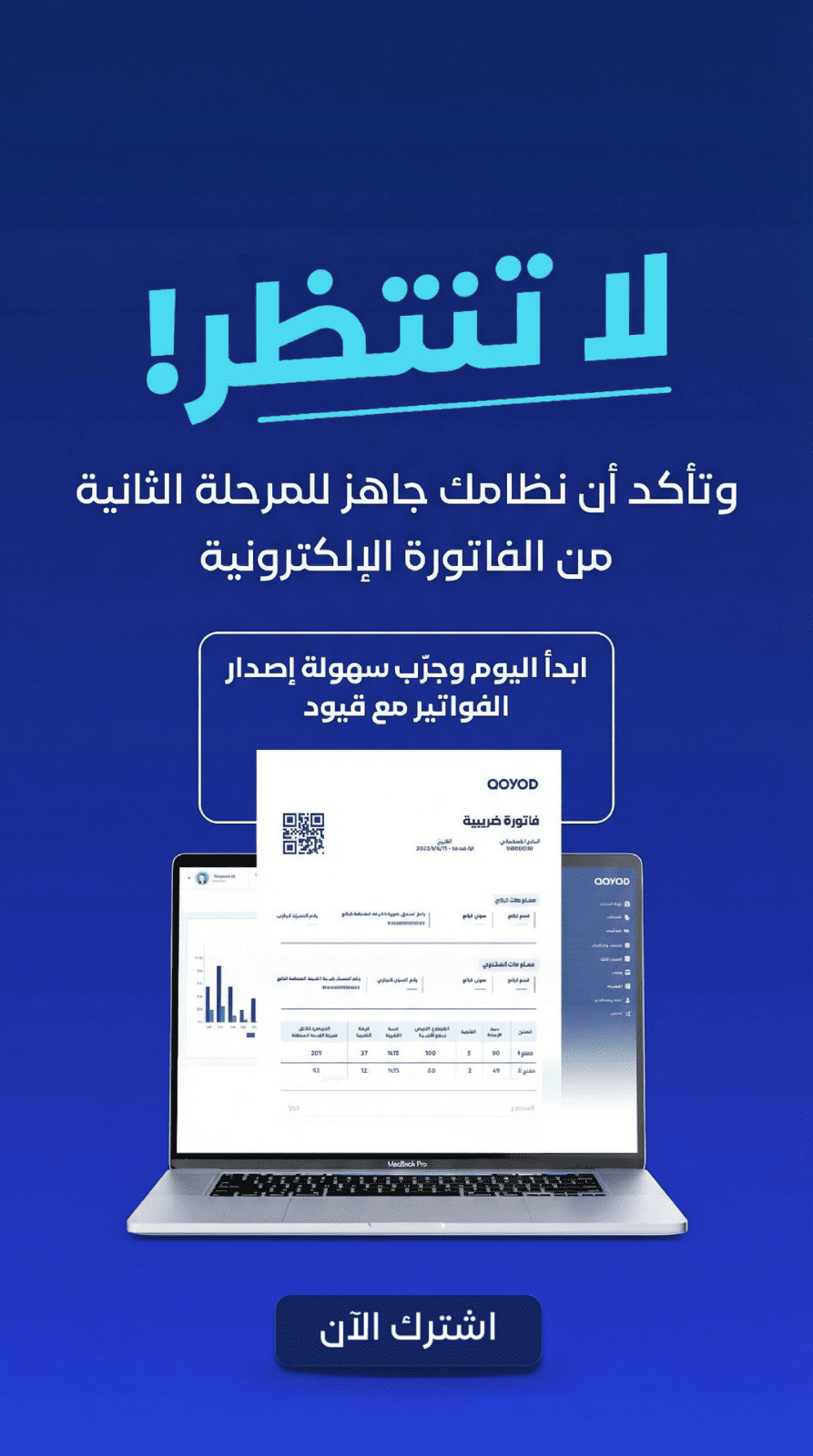
Qoyod, a cloud accounting software, offers a professional invoice designer that doesn’t require any experience or time.
It can design a typical invoice for your business in a few minutes, and it even supports Excel invoices, so you can download and modify them. Simply learn about it here.
Three easy steps to make and apply the electronic invoice
There are a few steps to follow when creating an electronic invoice:
- The first step is to create a basic invoice template. This can be done using word processing software or spreadsheet software. Once the template is created, the next step is to add the necessary information to it. This includes the facility name, address, contact information, and invoice number.
- The second step is to add the items to the invoice. This includes the description of the product or service, quantity, unit price, and total amount due.
- The third step is to add any additional information that may be required, such as terms and conditions or special instructions. Once the e-invoice is created, it can be sent to the customer by email or fax. The customer can then pay using their preferred method. Electronic invoicing is growing in popularity because it provides a convenient way for businesses to manage their finances.
With Qoyod, never worry about designing electronic invoices, as Qoyod makes the design process easy and makes sure to follow it up with you without any intervention from you. Try it for free now for 14 days.
Conclusion
An electronic invoice is a document used to request payment for goods or services.
As for the design of electronic invoices, it is just a practical step that enterprises follow as long as the format of the invoice matches their visual identity.
The invoice can be sent to the customer electronically, via email, or in any other way.
The customer can then review the invoice and pay.
Qoyod provides you with a professional invoice designer that enables you to automate the entire process in just a few minutes.